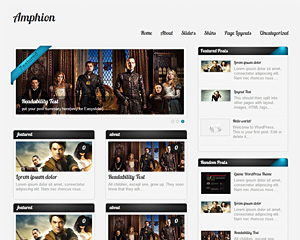
Scylla LiteFree WordPress Theme

- 4 Skins
- 1 slider
- 2 Layouts
- 2 Patterns.
- 3 custom widgets.
- 5 easy to use shortcodes.(Hard-coded in Post Editor)
- 2 WordPress 3.0 Menu Position.
- Mult-Level Dropdown Menu.
- Social buttons to submit posts to Facebook, Twitter,
- Stumble upon, Digg, Google Buzz!
- 3 Awesome fonts.
- Easy to use theme options.
- Gravatar Support.
- 3 custom page template
- Fancy lightbox
- IE6 Browser Upgrade Alert!
- Separation of Comments and Trackbacks
- Threaded comments support.
- Valid XHTML/CSS3.
- Well-written documentation
- One Click Install. No plugin required.
Compatibility:
- Internet Explorer 7+
- Firefox 3+
- Safari 5
- Opera 9+
- Netscape 6+
version 1.8.2
—————–
+ Initial Release
1. what should be the dimension of the slider images?
A: width: 625px Height: 250px
2. I can’t make link to other website, and when I make link to an other page of my website, it opens in lightbox windows.
A: Open up fancybox.js and find this line:
jQuery(“a.hasimg”).fancybox({
and replace it with:
jQuery(“.hasimg[href$=’.jpg’], .hasimg[href$=’.png’], .hasimg[href$=’.gif’]“).fancybox({
You can edit the file with your ftp application or “Wp-File Manger” Plugin.
3. How can I make a catergory section look the same as my home page?
A: Download this file: http://fileden.com/files/2007/3/2/840217//category.zip
Extract the category.php file inside it and upload the php file to the “ScyllaLite” directory of your site using FTP.
4. The images inside the lightbox is being stretched when viewed by Safari Browser, How do I fix this?
A: Add this line to the very bottom of your stylesheet(style.css):
#fancybox-img {height:auto!important;}
5. My Quote shortcode is not working. How do I fix it?
A: The quote shortcode has a bug, to fix it find this in your stylesheet:
.lgn_quote
and replace it with:
.scl_quote
6. I want to use the ‘Featured Posts Widget’ in the sidebar, but despite selecting a category, it keeps outputting the loop of all posts.
A: You will have to put your category id, not name.
http://wordpress.org/support/topic/how-to-find-the-category-id
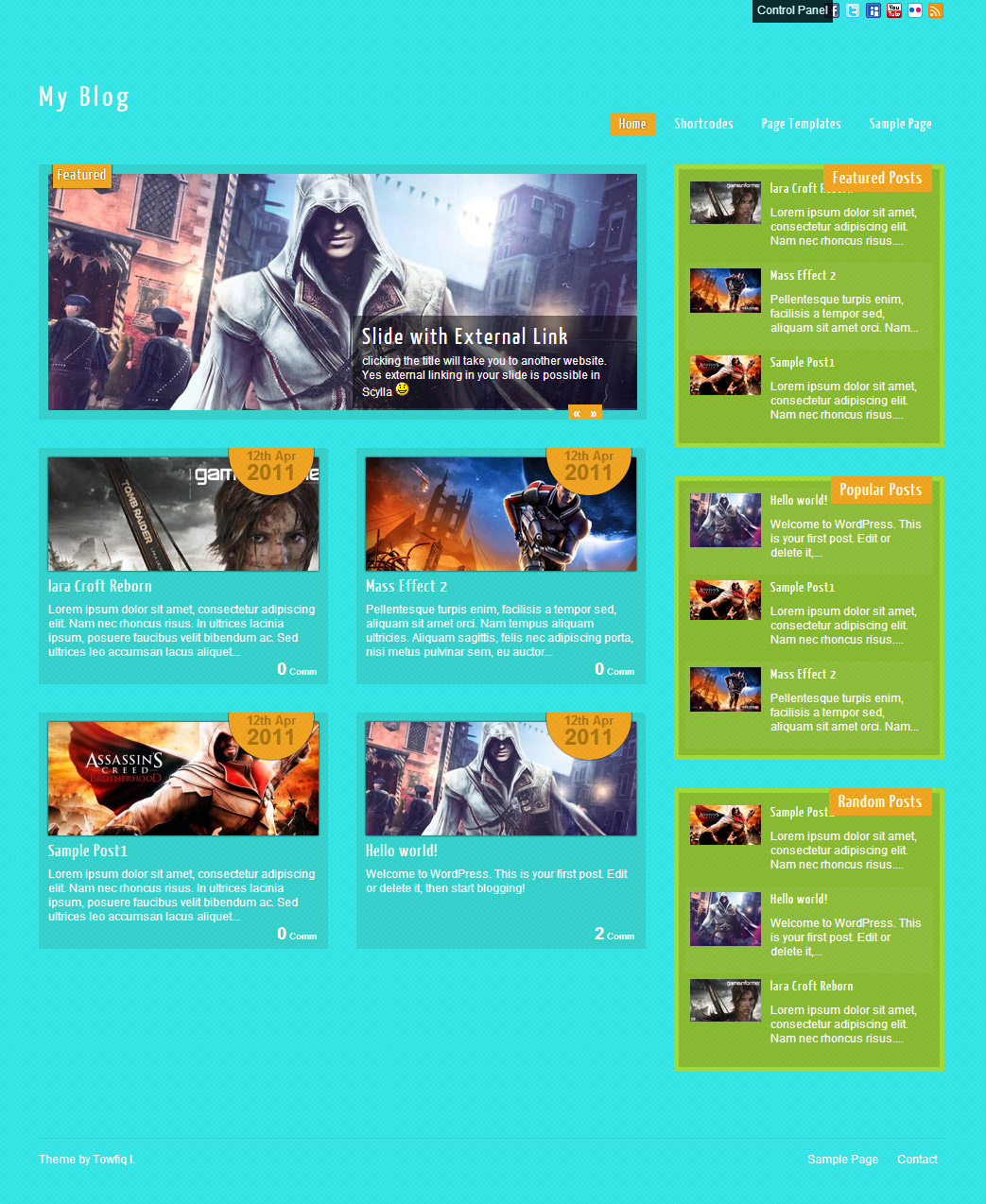
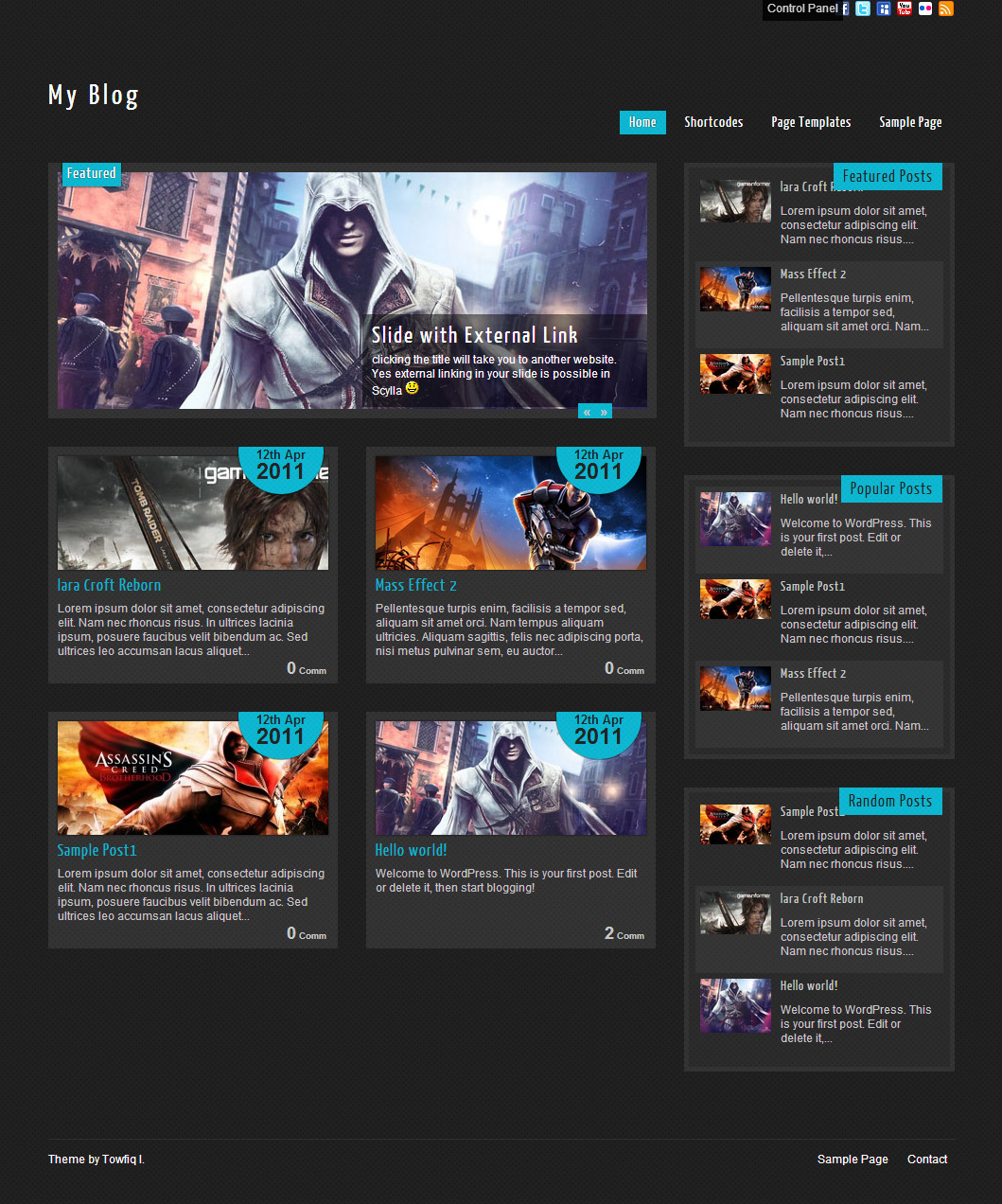


-

- gifirstdental.com

-
- mekman.concretegamezone.com/wp

-
- nerdly.co.uk
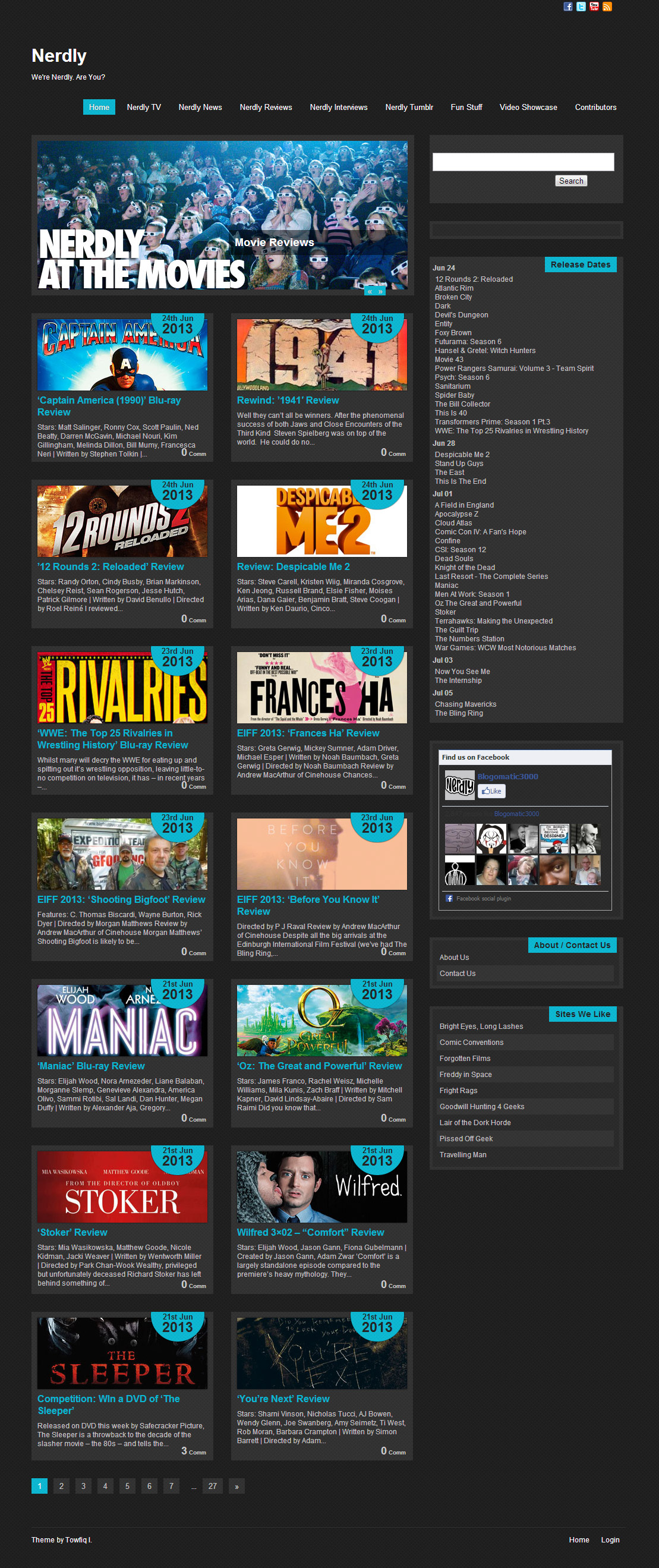
-
- denisehotze.com
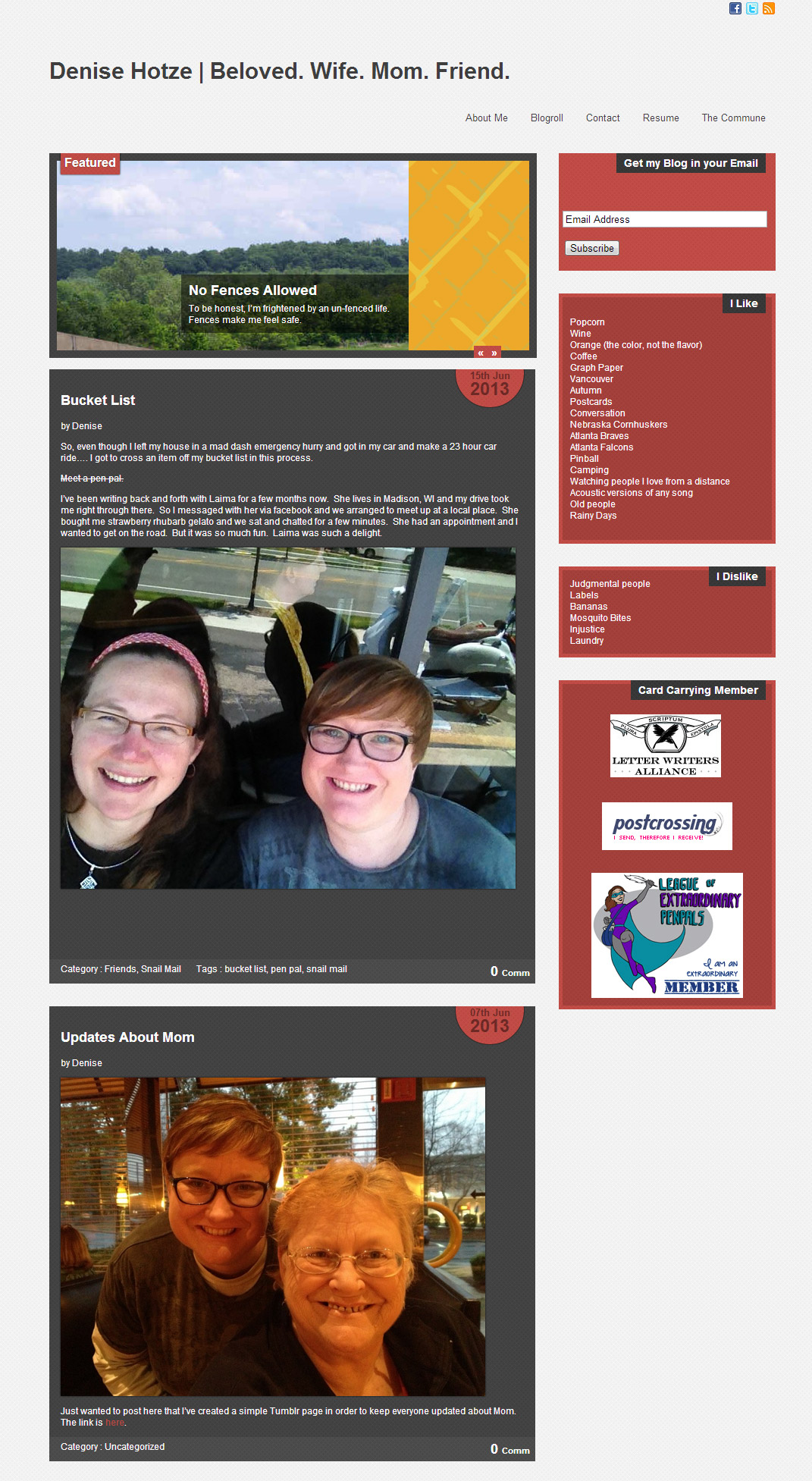
The theme is released under GNU General Public License, version 2.
| Scylla Lite | Scylla PRO | |
| Free For Life |
$40 One time payment |
|
| Skins | 4 | Unlimited (Ability to change the color of almost all the elements) |
| Fonts | 3 | 12 |
| Layouts | 2 | 5 |
| Slider | 1 | 2 |
| Shortcodes | 5 | 20 |
| Widgets | 3 | 8 |
| Widget Areas | Sidebar Widgets | Sidebar Widgets/ Footer Widgets |
| Menu | 2 Menu Positions/ 3 Level Drop-down Menu | 2 Menu Positions/ 3 Level Drop-down Menu |
| Page Templates | 3 | 3 |
| Upload LOGO |
NO |
YES |
| Social Share buttons/Numbered Page Navigation |
YES |
YES |
| Related Posts |
NO |
YES |
| Google Analytics Integration |
NO |
YES |
| Threaded comments/Separated Comments & Trackbacks |
YES |
YES |
| IE6/ IE7 Browser Upgrade Alert! |
NO |
YES |
| Fancy lightbox |
YES |
YES |
| Full Email support |
NO |
YES |
| Forum support |
NO |
YES |
Leave a Reply
-
- Topic
- Voices
- Freshness
-
-
Date Stamp
Started by:

- 2
-
2 months, 4 weeks ago
-
change hyperlink from red to blue
Started by:
- 2
-
2 years, 3 months ago
-
Remove date stamp from posts
Started by:
- 2
-
2 years, 6 months ago
-
Slider and image widths
Started by:
- 1
-
8 years, 5 months ago
-
Jetpack-share options
Started by:
- 1
-
8 years, 5 months ago
-
Side Bar width
Started by:
- 2
- 9 years, 3 months ago
-
Side Bar widget title
Started by:
- 2
- 9 years, 3 months ago
-
How to change border colour
Started by:
- 2
- 9 years, 5 months ago
-
I read your post and
Started by:
- 1
-
9 years, 7 months ago
-
Number of posts on the main page
Started by:
- 2
- 9 years, 7 months ago
-
Slider pictures
Started by:
- 2
-
9 years, 8 months ago
-
Move menu to left side
Started by:
- 1
-
9 years, 10 months ago
-
How do I change the background ?
Started by:
- 2
- 10 years, 2 months ago
-
Date Stamp


You must be logged in to create new topics.
i love this theme, fast reloading and awesome features…
great theme, thank you for that. achievements
Automation of repetitive tasks, such as data entry, can also be facilitated by tools that are powered by artificial intelligence. This enables workers to focus their attention on more significant responsibilities, which in turn allows the company to save time and money. An excellent artificial intelligence summarise tool is the summarising tool, which may be found at https://summarizingtool.org/.