

You do not have permission to view this forum.
Zenon PROPremium WordPress Theme

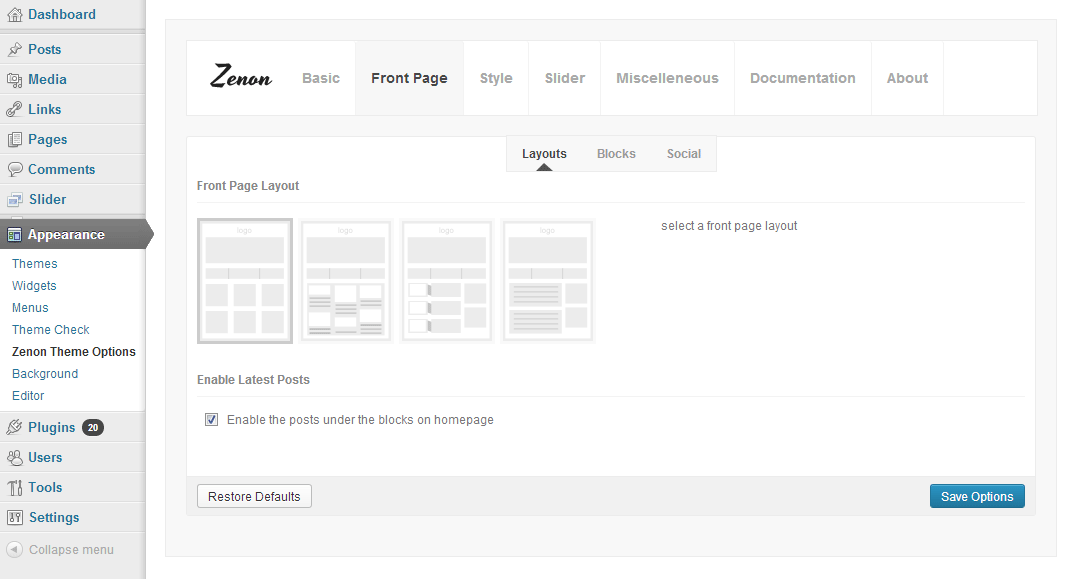
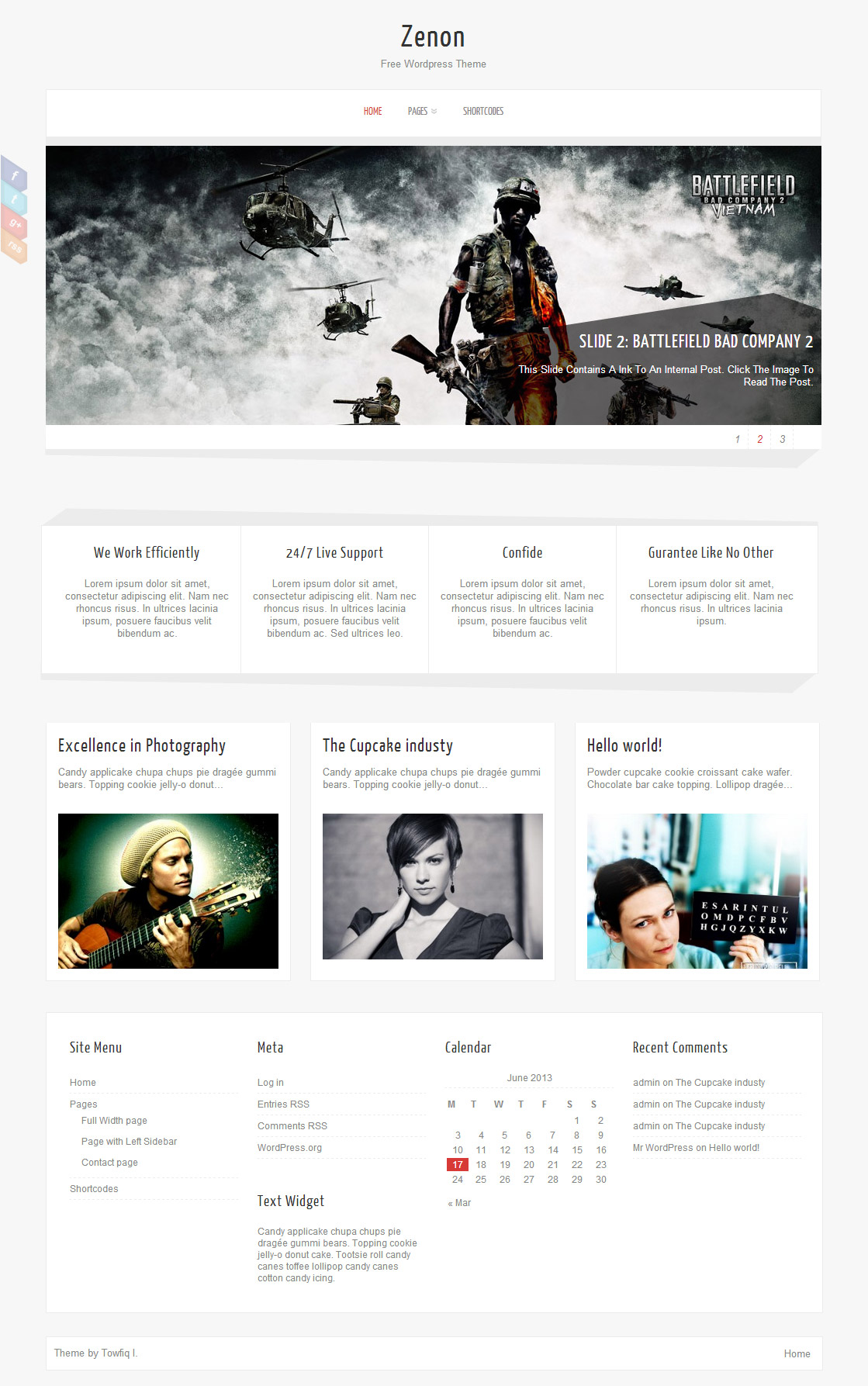
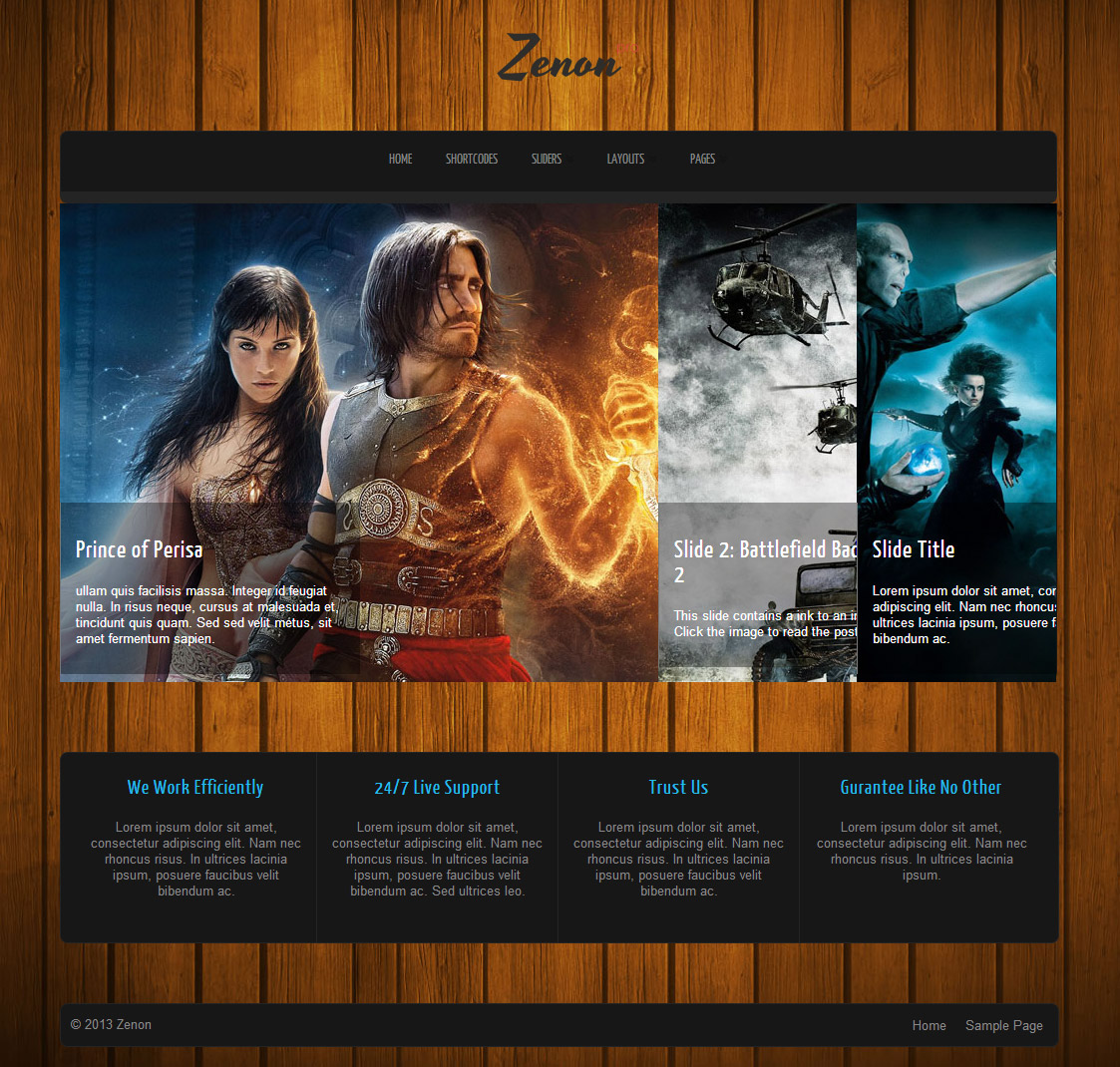
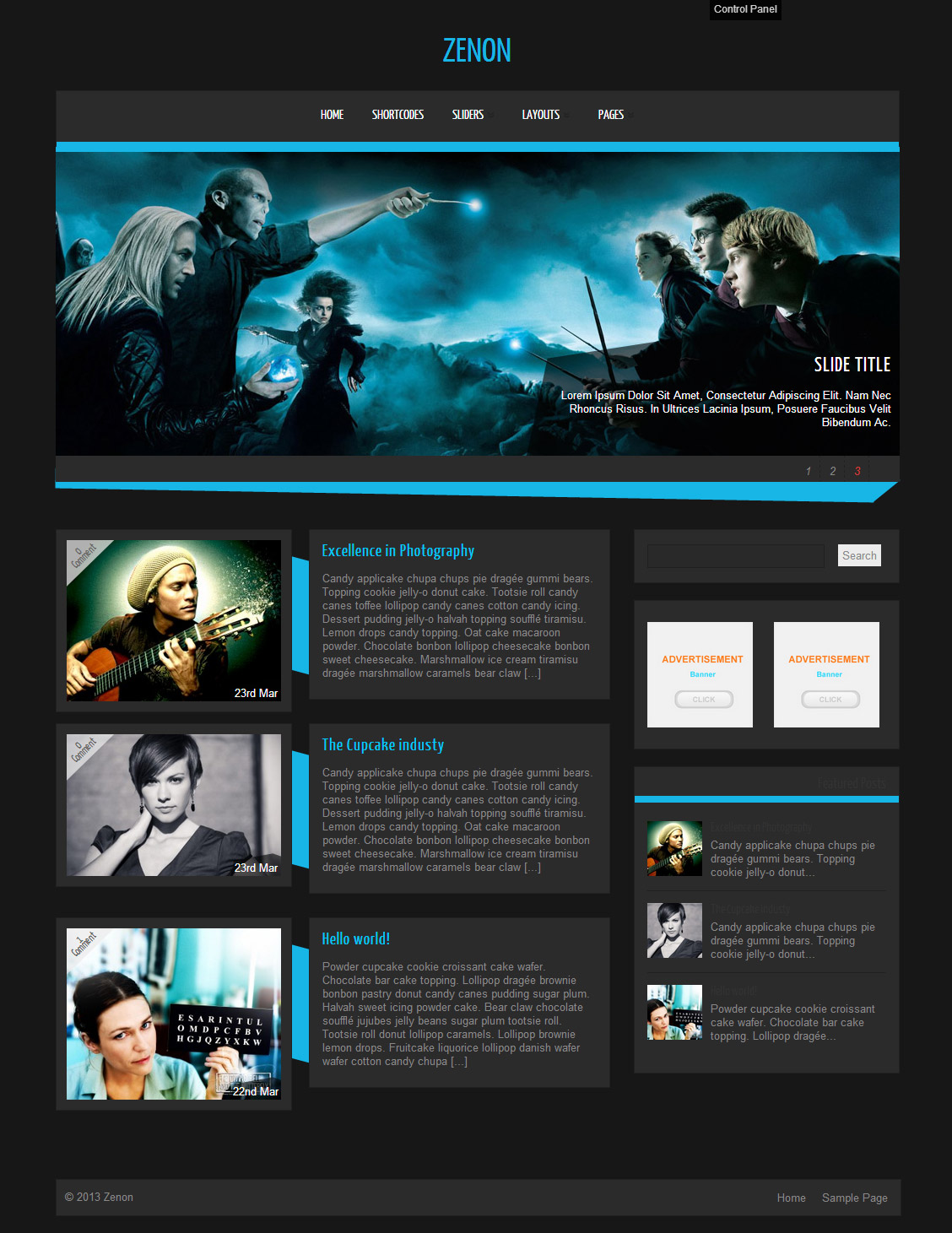
Zenon PRO is a all in one wordpress theme with ability to change theme elements color, 15 fonts, 3 slider, 4 layouts & easy to use theme option panel. The Theme also includes 8 built-in widgets and 20 useful shortcodes. The theme is SEO Friendly and has plenty of user-friendly options. The theme also comes with a Full-width page, Left Sidebar Page and a Contact page Template which doesn’t require any setup. Zenon PRO is suitable for any business or personal website.
- Unlimited Skins- Ability to change the color of any elements
- 15 Awesome fonts.
- 3 sliders
- 4 Layouts
- Ajaxed pagination
- 8 custom widgets:
- 1-Flickr Photos
- 2-Popular Posts
- 3-Featured Posts
- 4-Random Posts
- 5-Twitter Feeds
- 6-160×600 Skyscrapper Ad
- 7-250 x 250 AD
- 8-125 x125 ADs
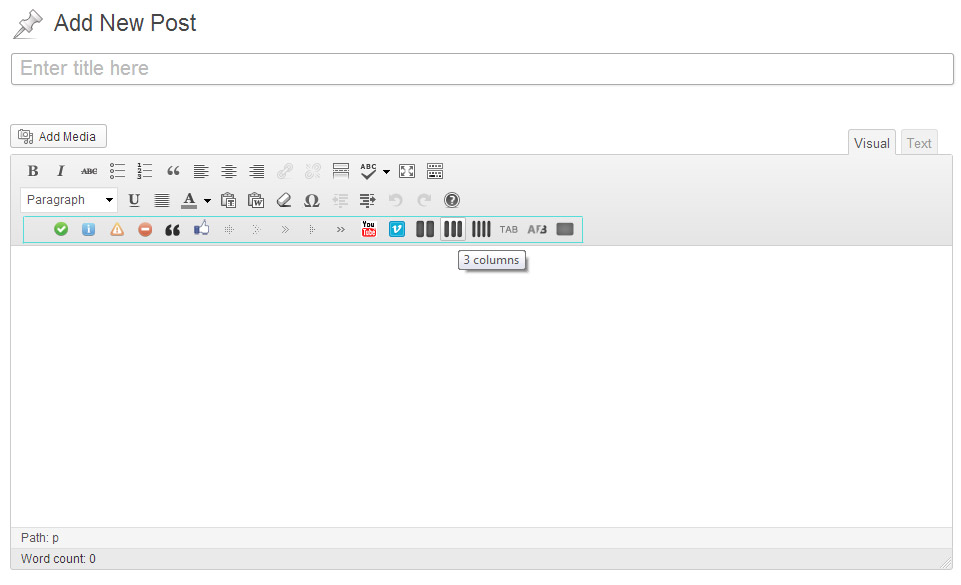
- 20 easy to use shortcodes.(Hard-coded in Post Editor)
- WordPress 3.0 Menus.
- Mult-Level Dropdown Menu.
- Social buttons to submit posts to Facebook, Twitter,
- Stumble upon, Digg, Delicious, Google Plus
- Easy to use theme options.
- Sticky Top Menu
- Optimized for Iphone, Ipad and Android Mobile Devices.
- Option for image logo
- Custom Background Color/ Image
- Related Posts
- Video Thumbnails
- Gravatar Support.
- 6 custom page template
- Fancy lightbox
- Easy Google Analytics Integration
- IE6-7 Browser Upgrade Alert!
- Separation of Comments and Trackbacks
- Threaded comments support.
- Valid XHTML/CSS3.
- Well-written documentation
- One Click Install. No plugin required.
Compatibility:
- Internet Explorer 8+
- Firefox 3+
- Safari 5
- Opera 9+
- Netscape 6+
- Google Chrome
version 1.4
—————–
2. Fixed few Bugs in the Mobile version.
3. 3.4 Compatible.
version 1.3
—————–
Bug Fixes
===========
The 404 page was looking weird
The Lobster font was not loading properly.
The Post share buttons were inaccessible for flawed css
Slider link wasn’t working when the “Slider Text” was disabled from the theme options.
New Features
============
Mobile Friendly version of the theme added for Iphone, Ipad and Android Devices.
version 1.1
—————–
+ Initial Release
1. How do I setup the slider?
A: Go to Appearance> Zenon Options> Documentation to learn how to setup the slider.
2. My slider and blocks are not showing up. why?
A: Go to Settings> Reading and select “Your latest posts” as your front page.
3. How do I change the number posts appear on the fron page?
A: Go to Settings> Reading to change the number of posts per page.
4. How can I remove the comment box from my website?
A: open up single.php, page.php and page-full_width.php and remove this:
<div><?php comments_template(”,true); ?></div>
5. How can I change the colour of the blog title?
A: Go to Appearance> Editor and select “stylesheet” from right and add this to the very bottom:
.logo h1 a{color:#fff!important;}
6. How to change the order of the sildes at the front page?
A: Try editing the dates of the slides. The slide with latest date is displayed first.
7. The social links on the left redirects to 404 error page. why?
A: You forgot to add your http:// at the start of your links. eg:
http://www.facebook.com/pages/Towfiq-I/180981878579536
8. What should be the size of slider images?
A: width- 1000px & Height- 360px
9. The post navigation button only works upto 7 pages. Then it doesnt load anything.
A: Go to Appearance> Zenon Options and disable “Ajax pagination” option.
10. how can i remove the number below the slider?
A: Add this to the very bottom of your stylesheet:
ol#controls{display:none;}
11. How do I increase the size of the Menu Text?
A: Add this to the very bottom of your stylesheet:
body #topmenu ul li a{font-size:18px!important; color:#333!important;}
12. The Mobile menu is always displaying the Last Menu item. How to fix that?
A: You could display the word “Menu” instead of always displaying the last menu item. to achive this, open up zenon.js and replace this:
jQuery(“#topmenu ul.menu”).tinyNav();
with this:
jQuery(“#topmenu ul.menu”).tinyNav({active: ‘selected’, header: true});
13. I can’t see the menu in mobile. why?
A: Because you did not setup the menu correctly. Go to Appearance> Menus and setup your menu.
To learn how to setup your menu watch this tutorial:
http://www.expand2web.com/blog/wordpress-30-custom-navigation-menus-video/
14. How to change the opacity of the social icons?
A: You will have to edit the zenon.js file. open it up and remove this:
//SHARE
if (jQuery.support.opacity) {
jQuery(‘.social li’).css({‘opacity’: ‘0.3’});
jQuery(‘.social li’).hoverIntent(function(){
jQuery(this).animate({ ‘opacity’: ‘1’}, 200);
}, function(){
jQuery(this).animate({‘opacity’: ‘0.3’}, 100);
});
}
15. When a message is sent from the contact page Where do the emails go to? How do I change the email address?
A: The emails go to your wordpress admin email address. And you cannot change the contact page’s degfault email address. Try a wordpress contact form plugin if you want those emails to go to another email address.
16. In Interent Explorer the slider appears with a gray border. how to fix that?
A: Add this to the very bottom of your stylesheet:
#slider li img{border:none!important;}
17. The Excerp text in the Slider shows all the first letter of each word of the text in capital letter. I dont want that.
A: #slider .slider-content h2 a, #slider .slider-content a, .slider-content p{text-transform:none!important;}
18. How do I delete the “Off” symbol that appears when the cursor is waved over the post blocks on the home page?
A: Add this to your stylesheet:
.block_comm{display:none;}
19. I dont want any sidebars in any of my pages. I want my site to be full width:
A: Add these lines to the very bottom of your stylesheet:
/*FULL WIDTH PAGE*/
body .single_post, .error404 .single_wrap, .error404 .single_post{ width:970px;}
body .single_skew_comm{width: 962px;}
body .single_skew_comm .skew_top_big{width: 968px;}
body .single_skew_comm .skew_top_right{ margin-top:-71px;}
body .single_skew .skew_bottom_big{width: 968px;}
body .single_skew{ width:1000px;}
body #commentform{ width:970px;}
body .comment-form-comment textarea{width: 570px;}
body .comment-form-comment{width: 600px;}
body .field_wrap{width: 340px;}
body .comment-form-author input, body .comment-form-email input, body .comment-form-url input{width: 263px;}
20. how can I change the link color inside the post? its grey.
A: Add this to the very bottom of your stylesheet:
body .single_post .post_content a{color:#D73A36!important;}
21. How do I increase the height of the front page blocks?
A: Add this to your stylesheet:
.midrow_blocks{height:230px!important;}
.midrow_block, .mid_block_content{height:215px!important;}
22. How can I Remove Author, Post and Category-related Text from posts?
A: Open up single.php and remove these lines:
<div>On <?php the_time( get_option(‘date_format’) ); ?><?php if(of_get_option(‘dissauth_checkbox’) == “0”){ ?> by <?php the_author(); ?><?php } ?></div>
and you can disable the category names from the theme options.
23. How do I add images to my blocks?
A: Lets say you want to add an image to block 4. Open up index.php and add this line:
<img src=”your image url” />
after this:
<?php echo of_get_option(‘block4_textarea’); ?>
24. I added 3 -4 slides but my slider is showing 10+ blank slides.
A: The sharing feature of Jetpack plugin is causing this. to fix this, add this to your functions.php:
if ( function_exists( ‘sharing_display’ ) ) remove_filter( ‘the_excerpt’, ‘sharing_display’, 19 );
Before this:
//Post Thumbnail
-

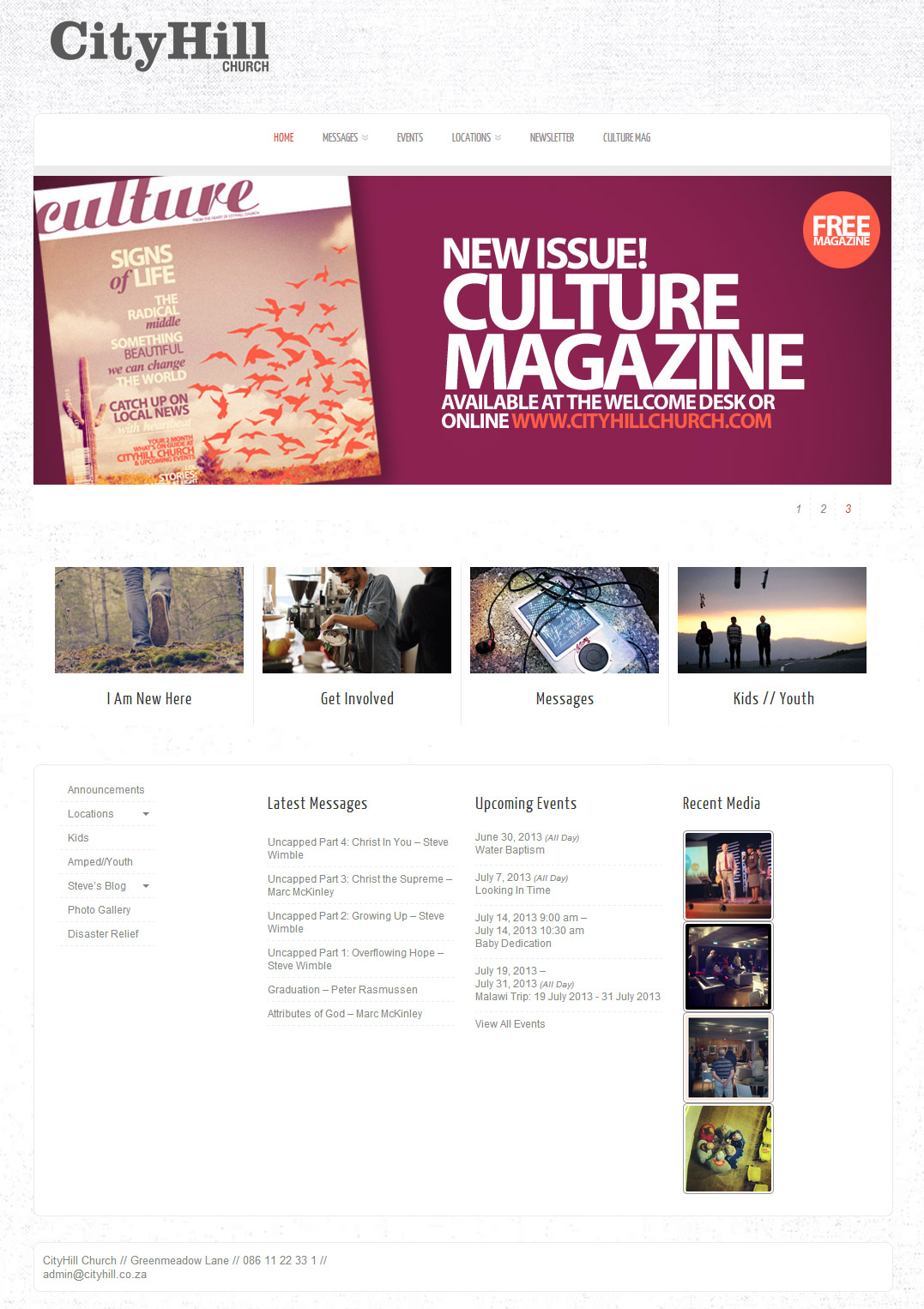
- cityhill.co.za/home
-
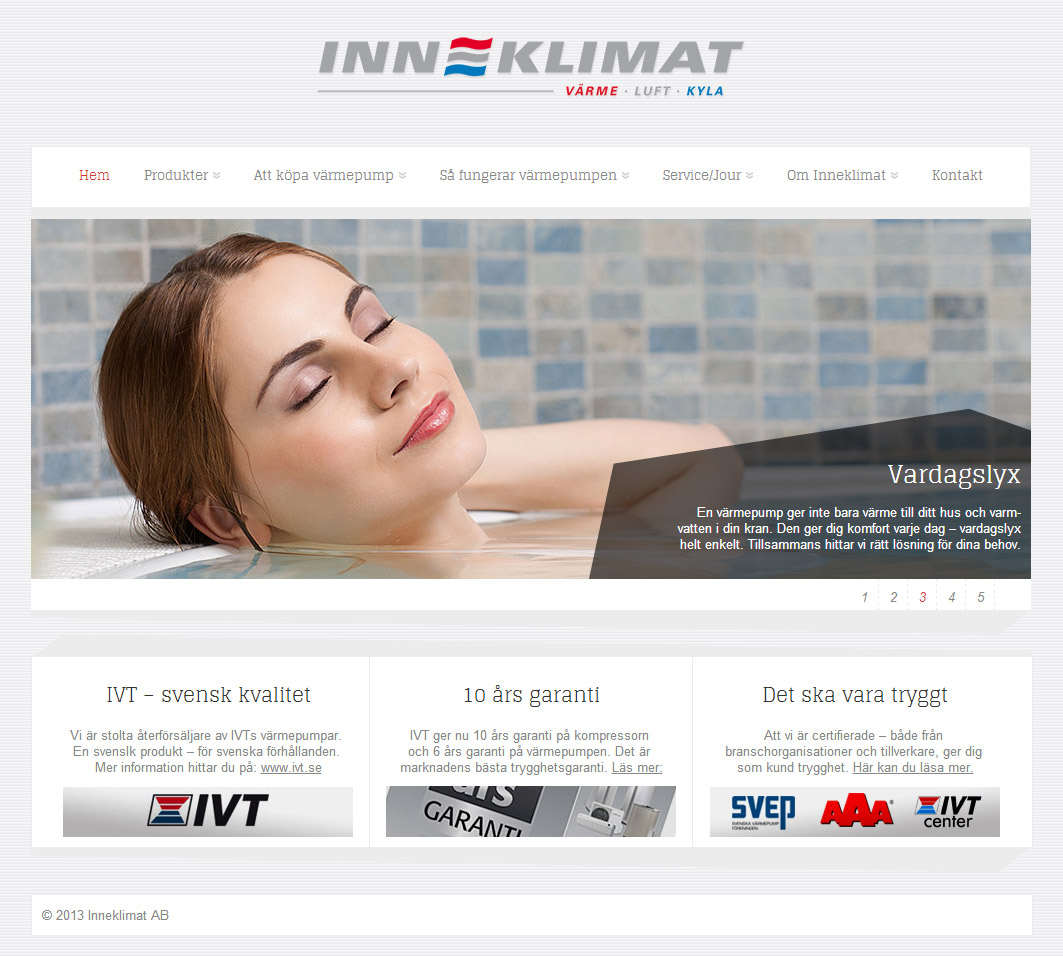
- inneklimat.se
-
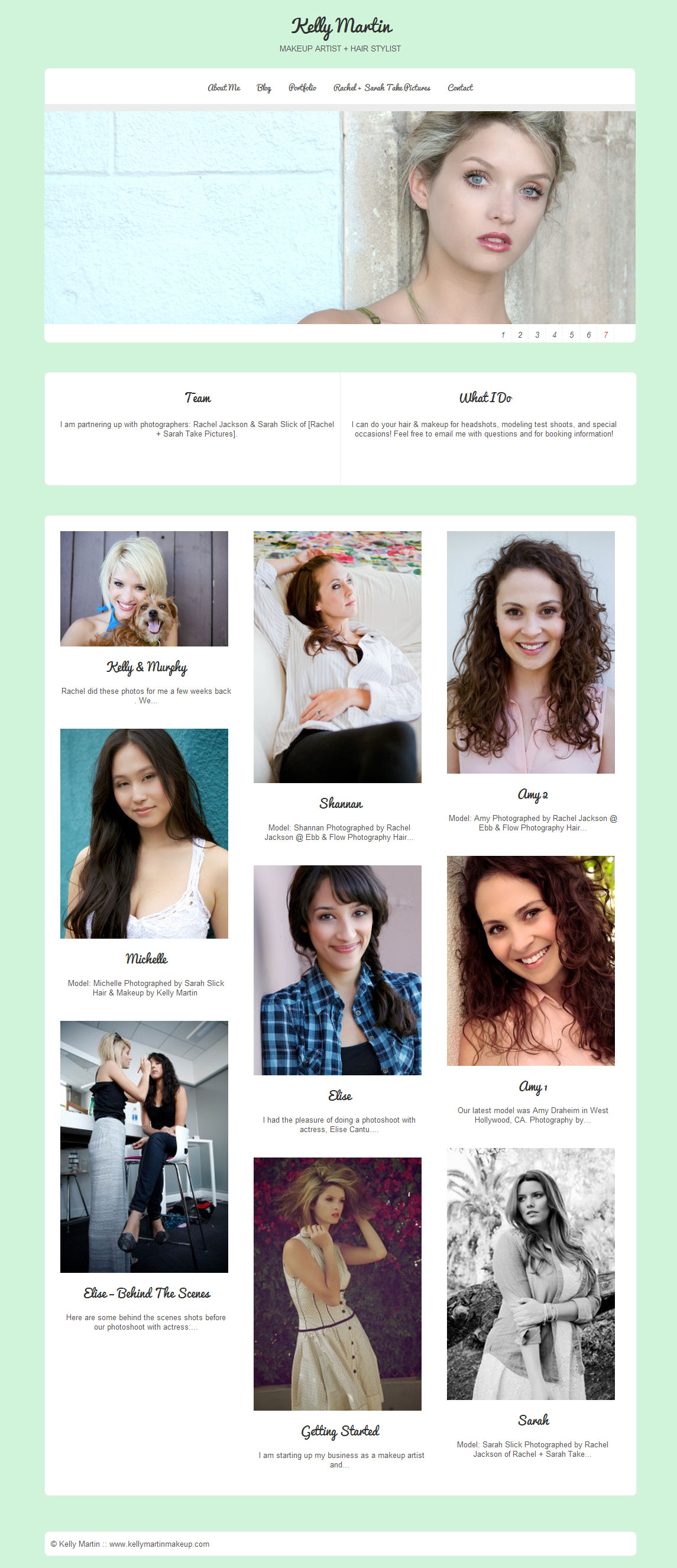
- kellymartinmakeup.com
-
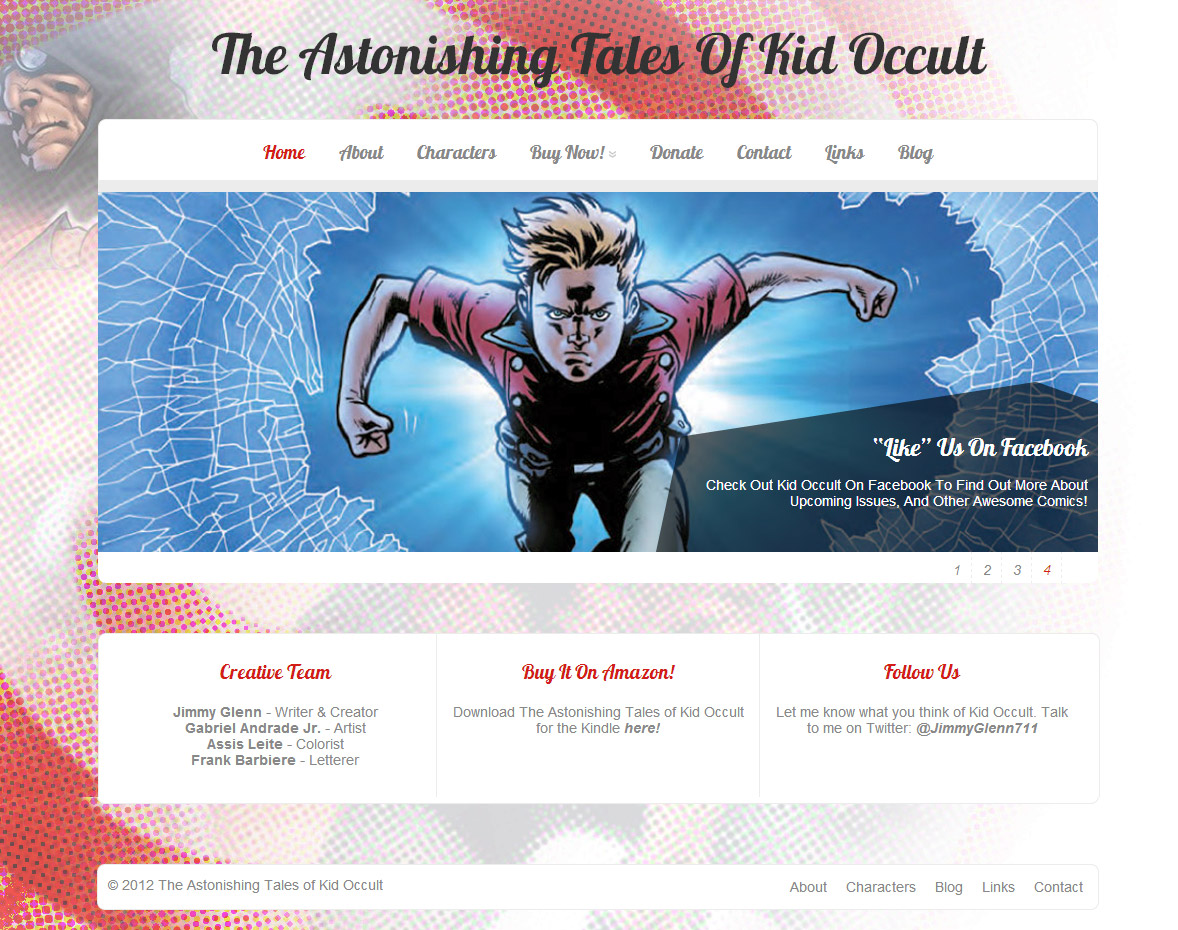
- kid-occult.com
-
- myfabulouslife.co.uk
-
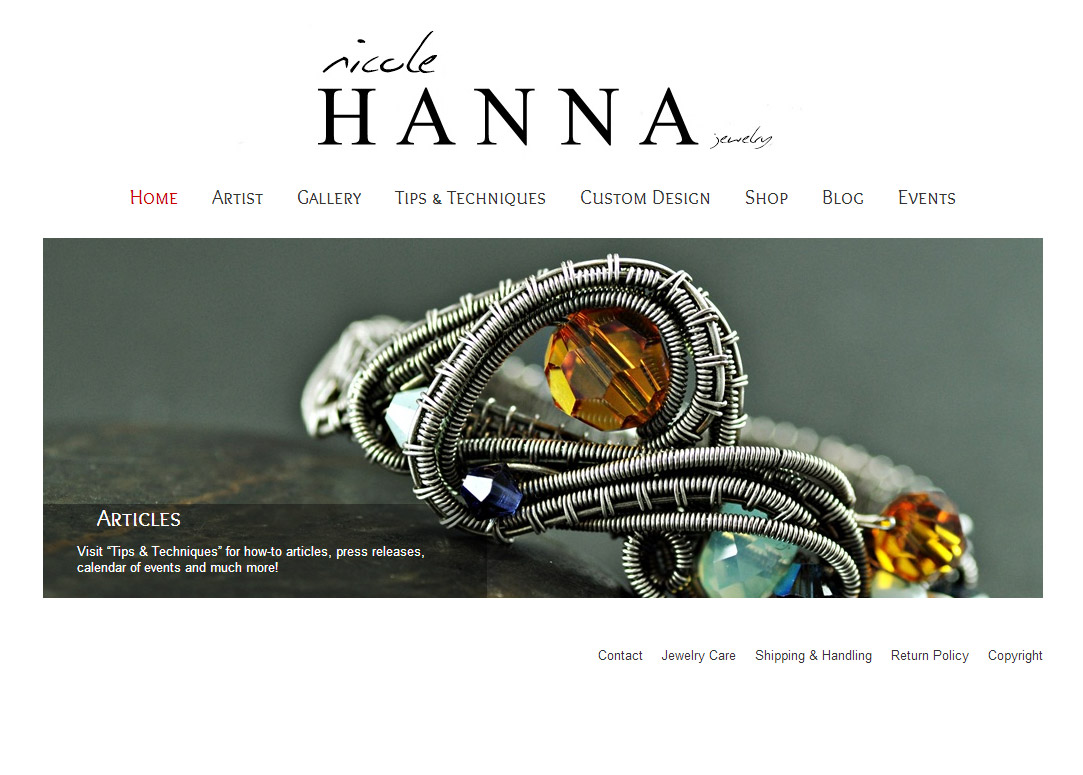
- nicolehannajewelry.com
-
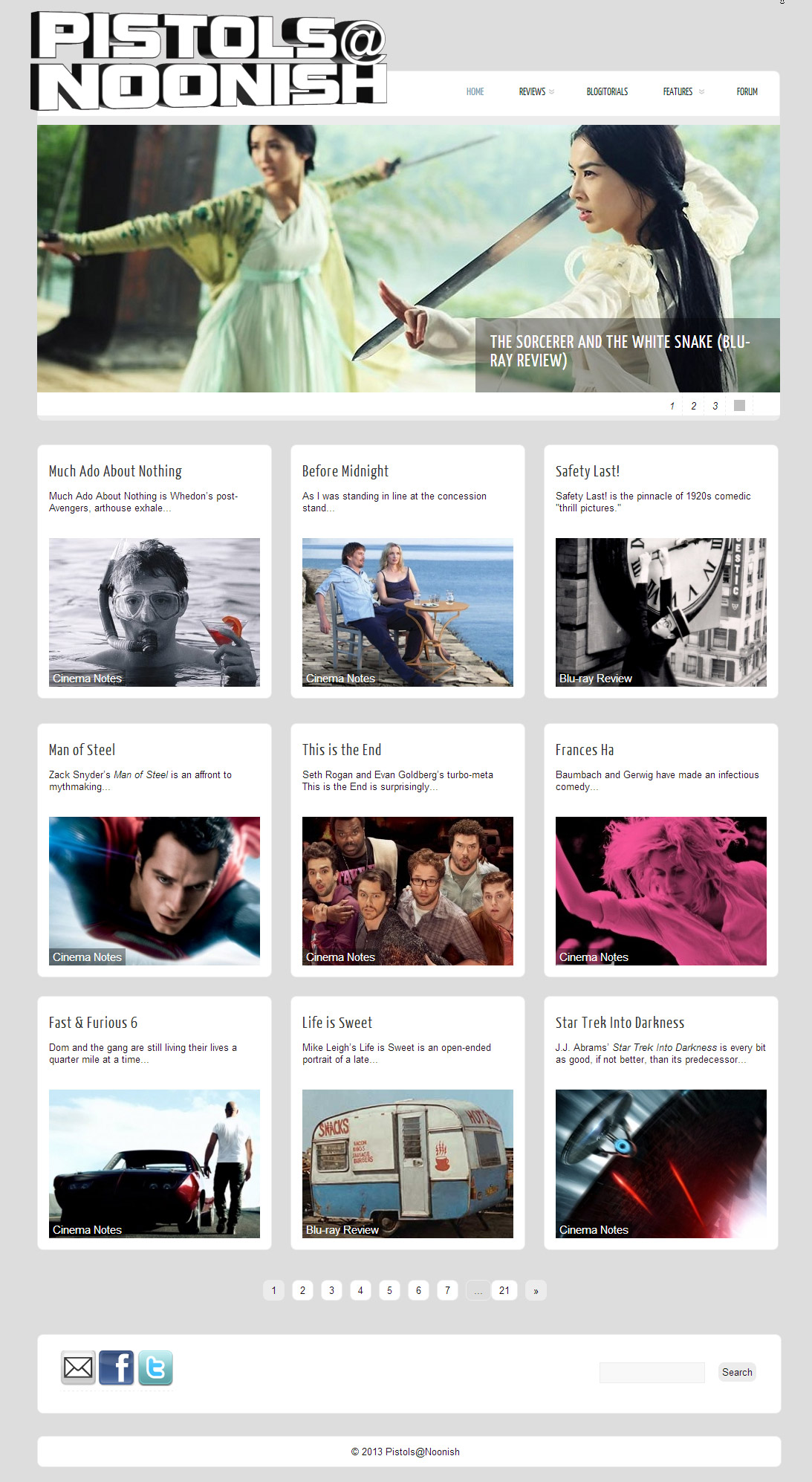
- pistolsatnoonish.com
-
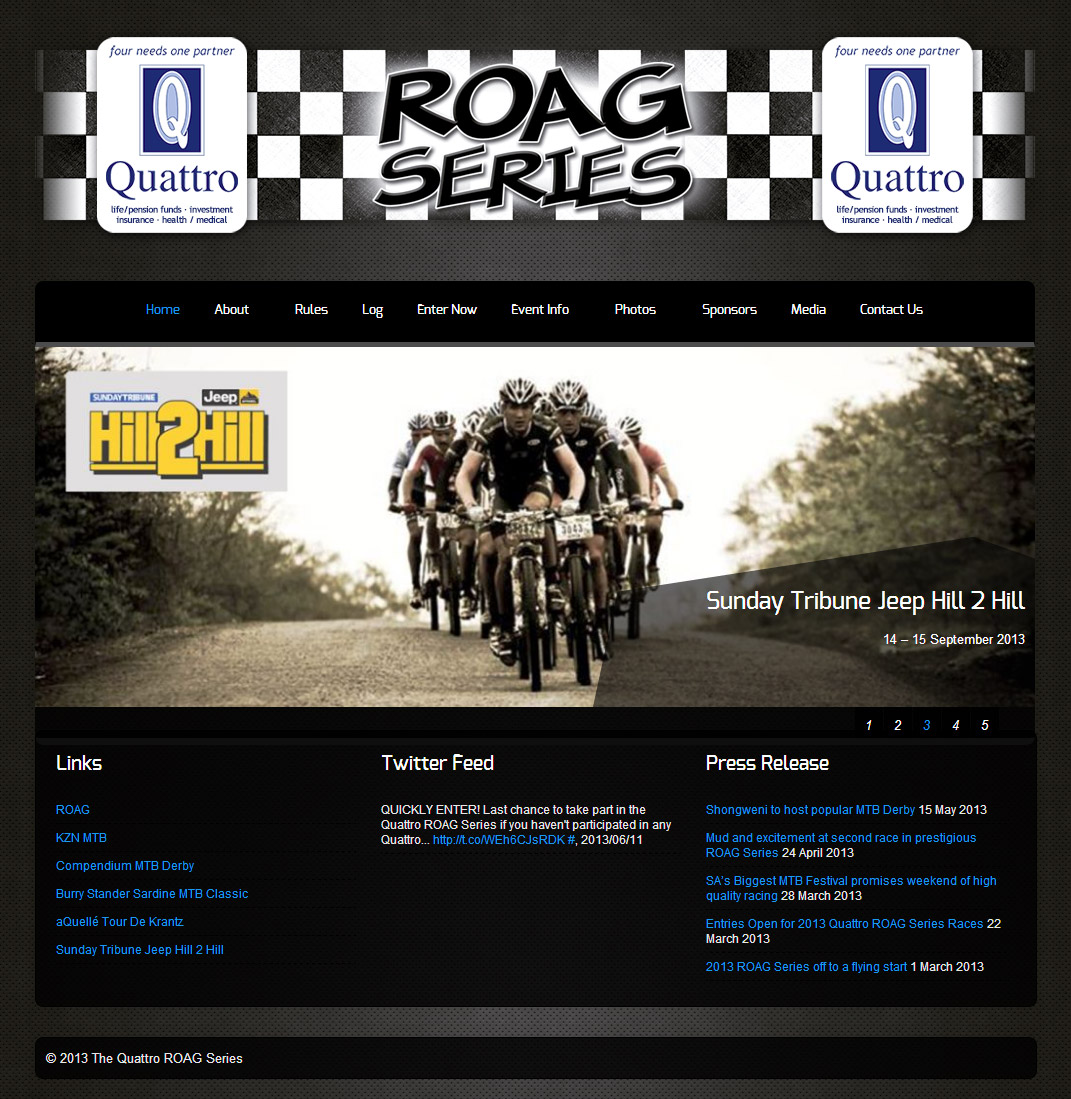
- roagseries.co.za
-
- roostrestaurant.com
-
- thunderscrawl.com
-
- verken.com.br/wp
-
- bexsonn.com/blog
The theme is released under GNU General Public License, version 2.
thank you for the beautiful theme, I want to ask some questions.
1- at free theme , can I use extra fonts ? I have small problems with some turkish letters like ş,ğ,ı,İ..
2- when I disable posts at the main screen, I use it as a static welcome page. but when I add a “blog” page and assign it as posts page, I see the same static page everytime I click on it. although the url changes from domain.com to domain.com/blog. I hope I could tell well enough.
thank you in advance.
Could you tell me how you got this working?
oh sorry wrong place…. I will repeat the questions under the right posts..
Heya,to find and work in your theme gave me a good day, thanks a lot for your sophisticated theme.
A contactform is mentioned inside of the theme, but I can’t find it. Of course I will pay for premium to say thanks to you.
Its a page template. Create a new page and while editing the page. Notice there is a “page Attributes” box on the right. select “Contact Page” template from it and you are done.
Lovely work, couple of Q’s – in the Pro #
1. is it possible to have links in any of the 4 block areas on front page eg read more.
2. can the contact page template be just contact info page rather than a blog style rhs display. Also at contact point it is a distraction to see other stuff displayed.
3. can the slider height be adjusted to accommodate images height less than 360H (so that fold line on latest laptops is displaying the 4 block headings)
Purpose is to have a micro brochure site rather than a blog, thanks in advance
1. yes you can. you will have to edit the index.php file. Go to Appearance> Editor and select “index.php” from right and find these lines:
replace your texts and code by replacing this code(for the 1st block):
replace your texts and code by replacing this code(for the 2nd block):
replace your texts and code by replacing this code(for the 3rd block):
2. I dont get what you are saying, are you trying to exclude the sidebar from contact page?
3. you can increase or decrease the height of the slider through sstylesheet.
Thanks for reply info Towfiq
on May 3, 2012 at 7:10 am
, just a bit of clarity before getting Pro version.
Re reply trying to exclude the sidebar from contact page?
regarding point 2, yes – trying to exclude the sidebar from contact page? Is that possible or would we have to create out own contact page using contact7 or similar>
also does the contact have some anti spammer protection?
Thanks in advance, Pete
If you dont want the sidebar in the contact page, Add these lines to your stylesheet:
.page-template-page-contact-php .single_wrap{width:970px;}
.page-template-page-contact-php .single_post{width:970px;}
No, there is not anti-spam protection for the contact form.
And yes you can use any contact plugin you want.
I am having some issues with weird font sizes showing up in page postings. First the text doesn’t show up and then when I make it black font it shows up really off. I am also having trouble with text showing up under the blocks in front page. Title is showing up but no description below. Is there an up date to this theme?
Whats your website address Mike?
is this theme good for an ecommerce site?
There should be no problem.
Hi, LOVE YOUR WORDPRESS templates!
I own Sylla Pro and Zenon Pro and they are amazing.
However, I started building my new site with Zenon pro and I selected layout 3 to show all my posts, but all the thumbnails (featured images) on the left hand side are all over lapping each other.
Here is my link, http://www.fineassbooty.com/ – see for yourself.
PLZ HELP ASAP!!
Recently discovered this bug, You can fix it by going to Appearance> Editor and select “stylesheet” from right and add this line to the very bottom:
.lay3 .imgwrap{height:180px;}
THANX!!
I am looking at getting the full theme but it appears you cannot have a blog page? if you set your home page to a static one and choose a blog page to post to, the blog page comes up without any blogs. In the standard installation there are no links to a list of blogs/articles?
Am i missing something? I see someone else did ask a similar thing though.
Thanks
Mark the blog posts with a category(eg:blog) and then assign the category “blog” to your menu. so when the blog link is clicked, it will display all the posts under blog category. Watch this tutorial if you are not sure how to assign category to menu:
http://www.expand2web.com/blog/wordpress-30-custom-navigation-menus-video/
Is there a way to left align my logo?
Add these lines to your stylesheet:
.outer-center{float:none!important;}
.inner-center{float:left!important;}
Your a life saver!
For the first slider is there a way to change the shape of the text box? Maybe into a rectangle instead of the object with those angles?
Just sent you the PRO version, check out the other sliders. if you want to use the easyslider with rectangular description box, let me know.