
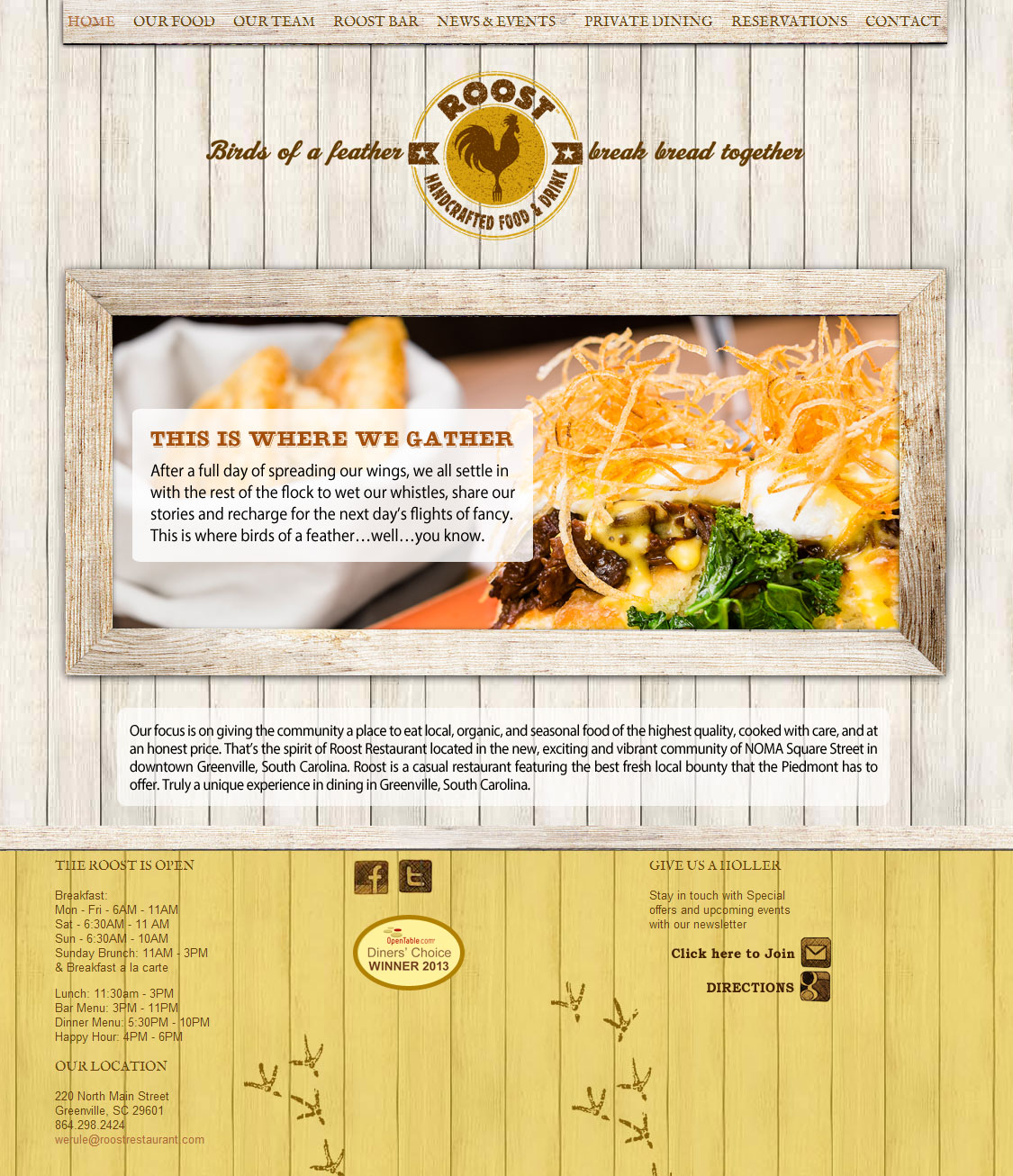
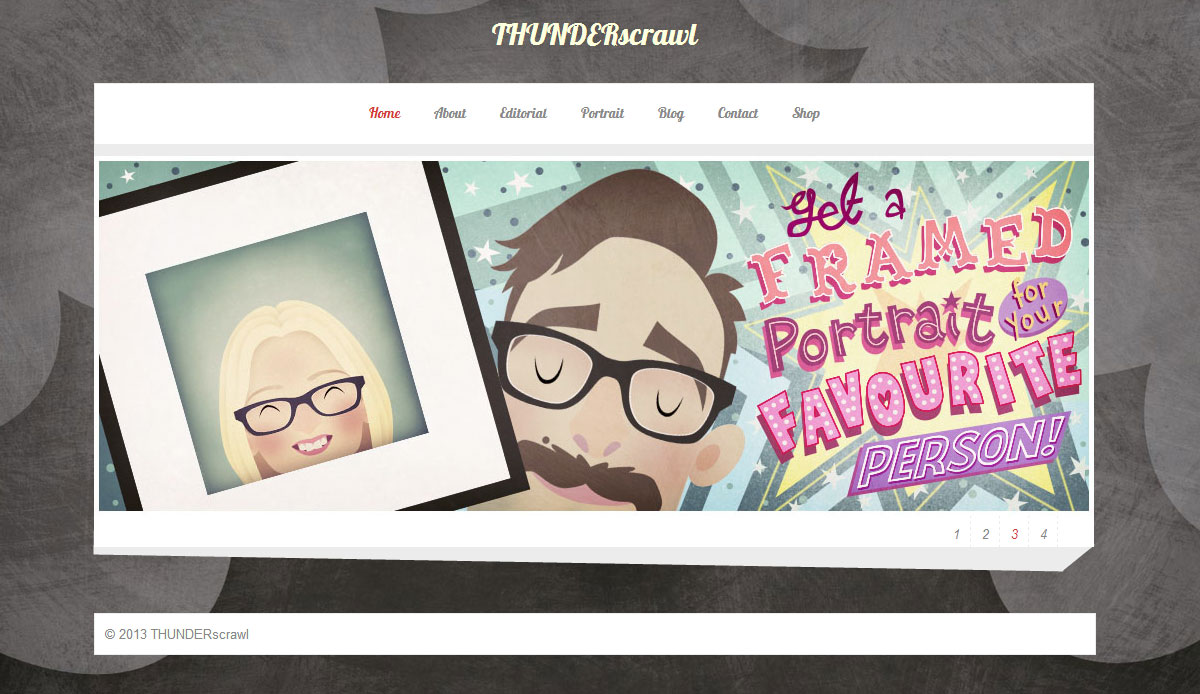
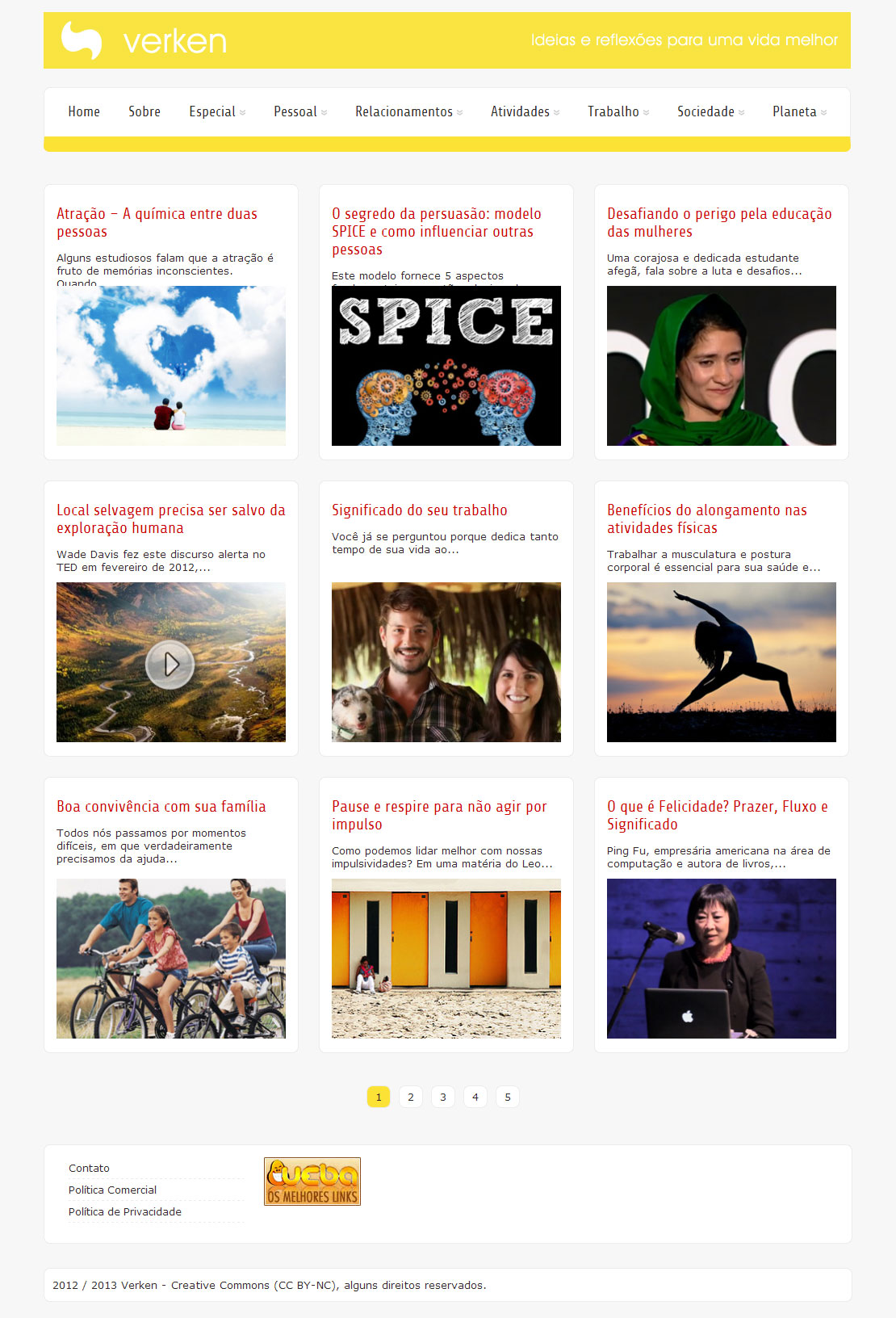

You do not have permission to view this forum.
Zenon PROPremium WordPress Theme
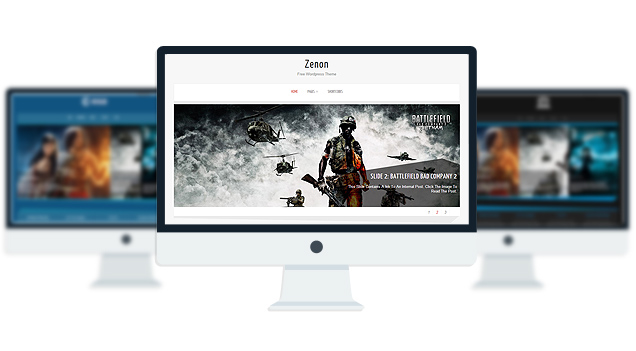
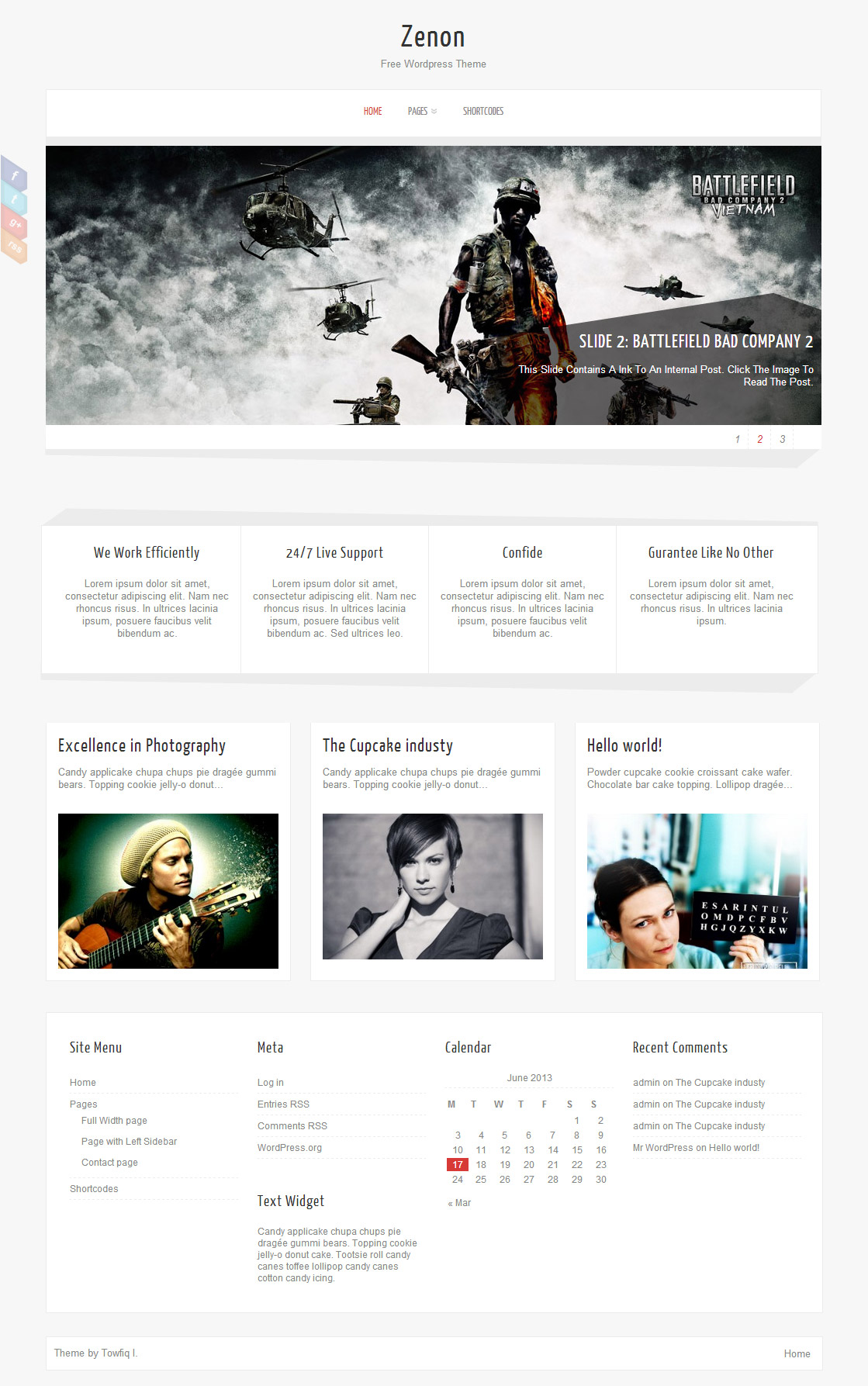
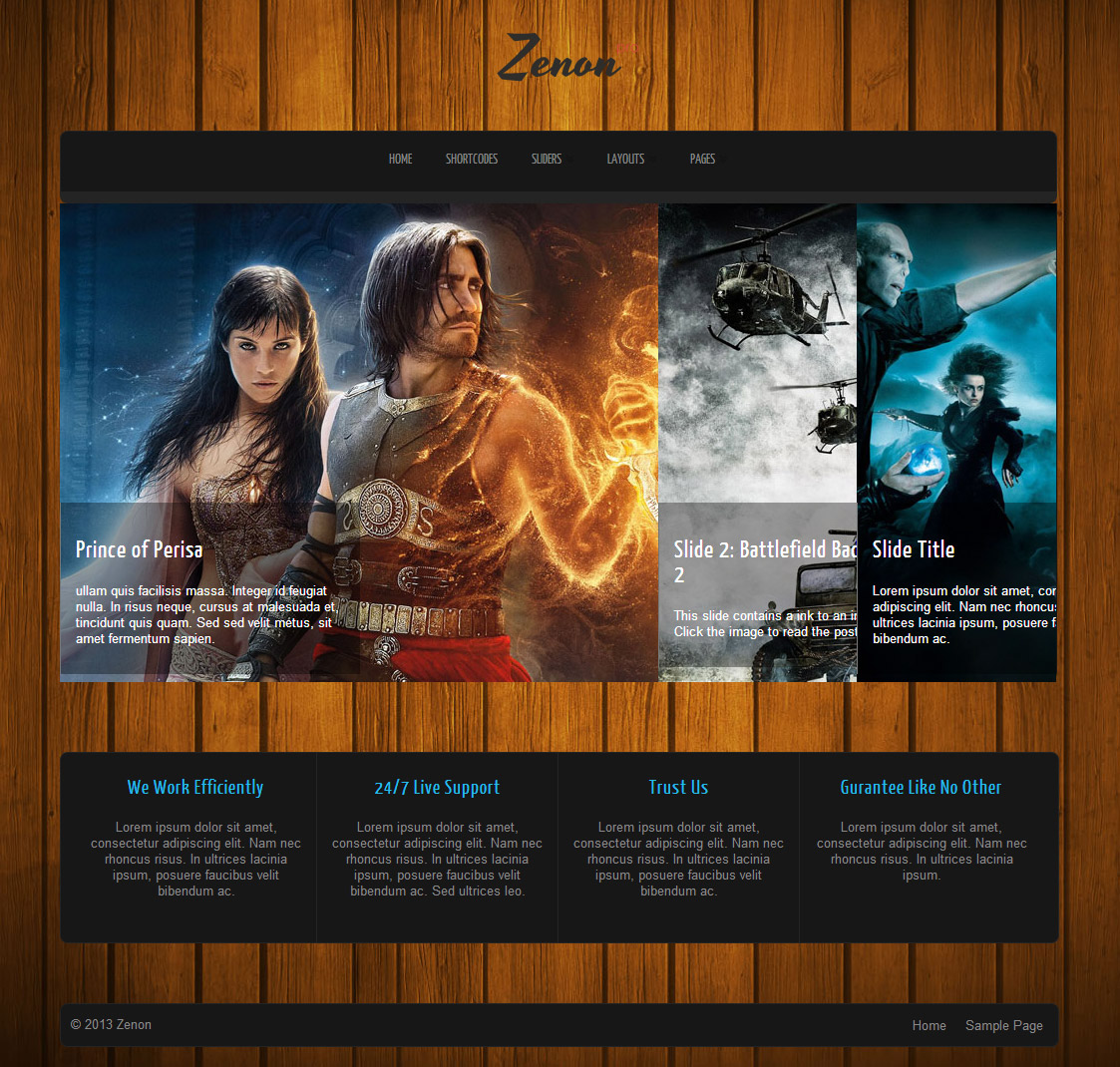
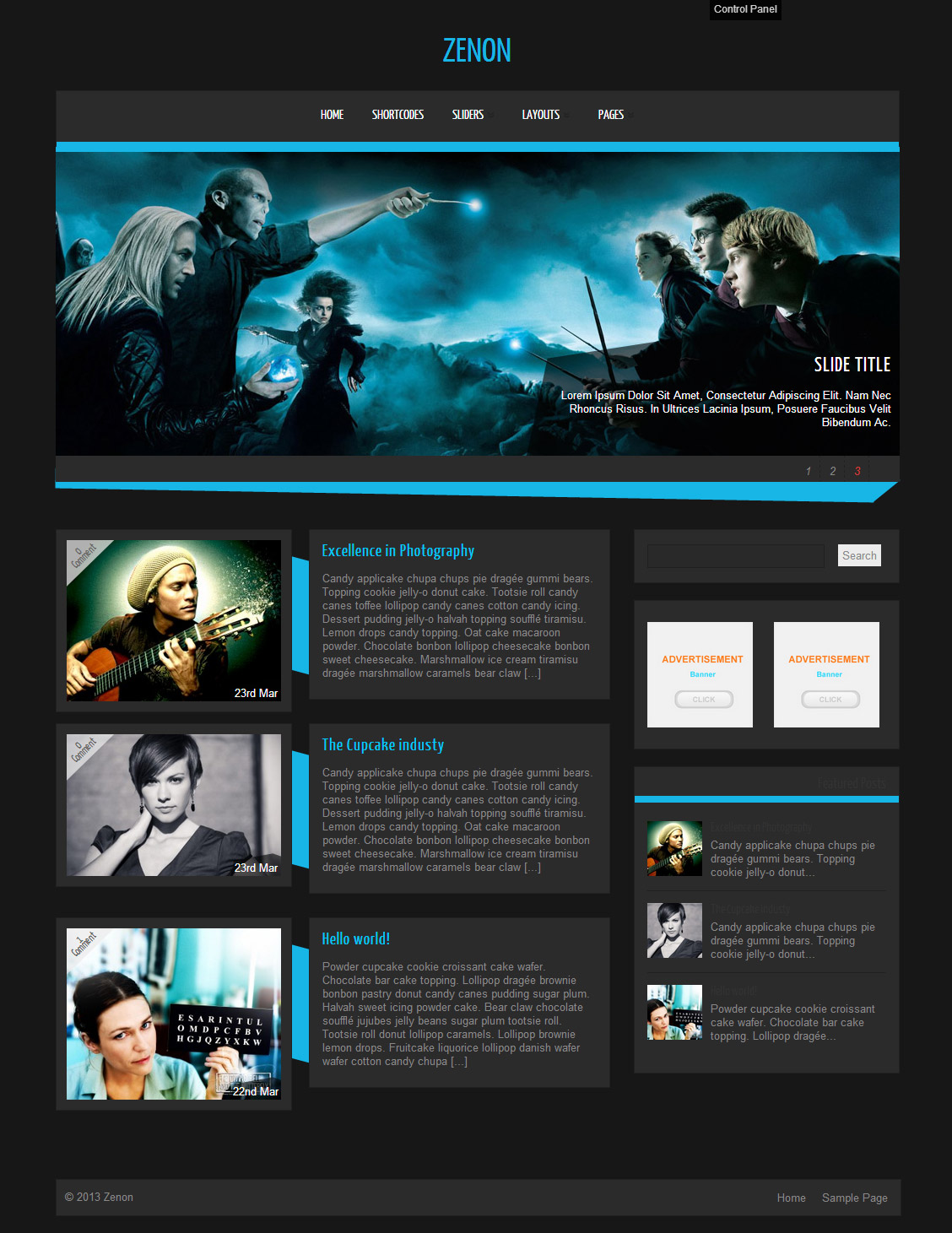
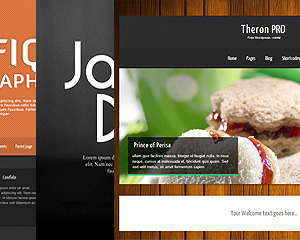
Zenon PRO is a all in one wordpress theme with ability to change theme elements color, 15 fonts, 3 slider, 4 layouts & easy to use theme option panel. The Theme also includes 8 built-in widgets and 20 useful shortcodes. The theme is SEO Friendly and has plenty of user-friendly options. The theme also comes with a Full-width page, Left Sidebar Page and a Contact page Template which doesn’t require any setup. Zenon PRO is suitable for any business or personal website.
- Unlimited Skins- Ability to change the color of any elements
- 15 Awesome fonts.
- 3 sliders
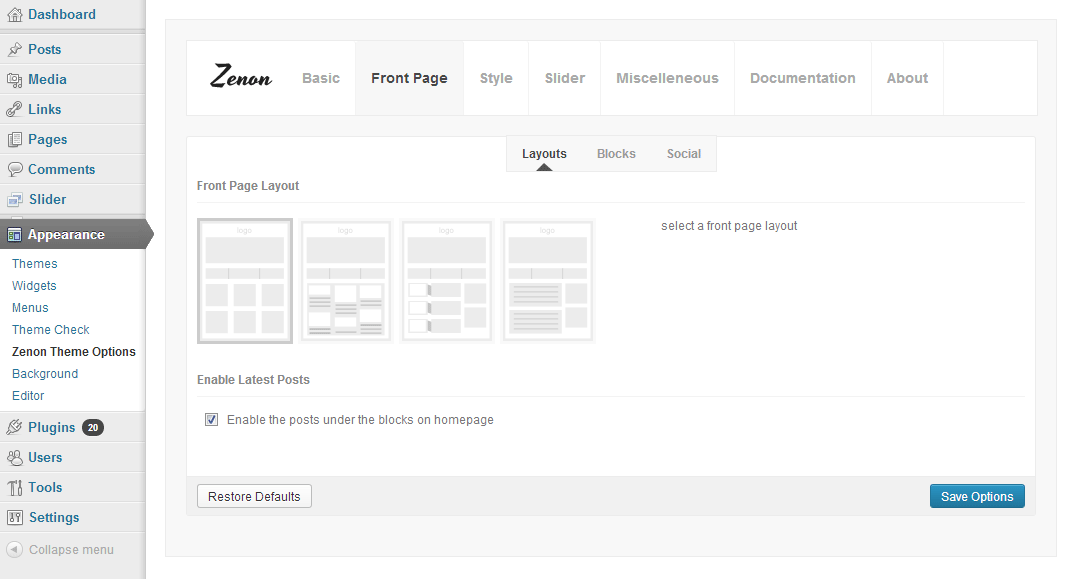
- 4 Layouts
- Ajaxed pagination
- 8 custom widgets:
- 1-Flickr Photos
- 2-Popular Posts
- 3-Featured Posts
- 4-Random Posts
- 5-Twitter Feeds
- 6-160×600 Skyscrapper Ad
- 7-250 x 250 AD
- 8-125 x125 ADs
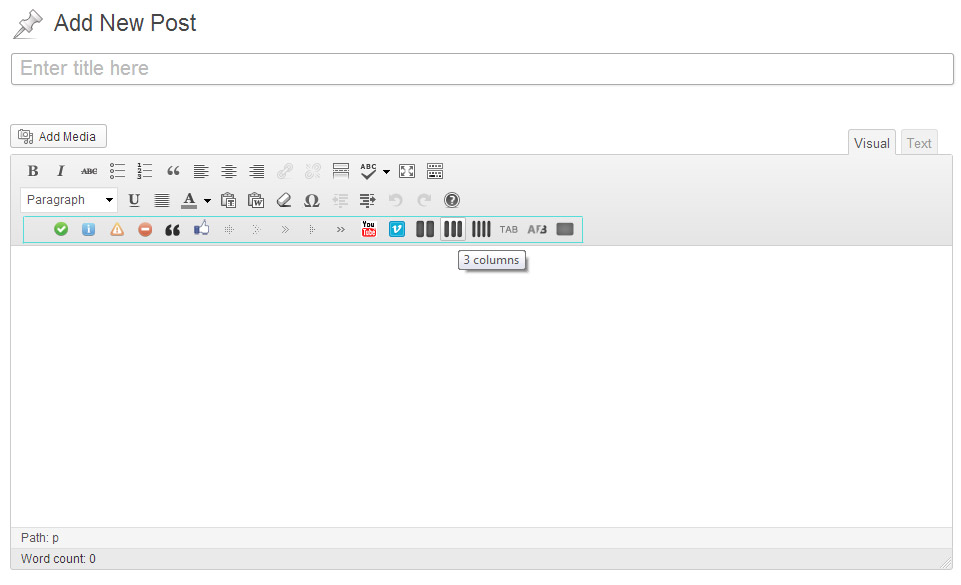
- 20 easy to use shortcodes.(Hard-coded in Post Editor)
- WordPress 3.0 Menus.
- Mult-Level Dropdown Menu.
- Social buttons to submit posts to Facebook, Twitter,
- Stumble upon, Digg, Delicious, Google Plus
- Easy to use theme options.
- Sticky Top Menu
- Optimized for Iphone, Ipad and Android Mobile Devices.
- Option for image logo
- Custom Background Color/ Image
- Related Posts
- Video Thumbnails
- Gravatar Support.
- 6 custom page template
- Fancy lightbox
- Easy Google Analytics Integration
- IE6-7 Browser Upgrade Alert!
- Separation of Comments and Trackbacks
- Threaded comments support.
- Valid XHTML/CSS3.
- Well-written documentation
- One Click Install. No plugin required.
Compatibility:
- Internet Explorer 8+
- Firefox 3+
- Safari 5
- Opera 9+
- Netscape 6+
- Google Chrome
version 1.4
—————–
2. Fixed few Bugs in the Mobile version.
3. 3.4 Compatible.
version 1.3
—————–
Bug Fixes
===========
The 404 page was looking weird
The Lobster font was not loading properly.
The Post share buttons were inaccessible for flawed css
Slider link wasn’t working when the “Slider Text” was disabled from the theme options.
New Features
============
Mobile Friendly version of the theme added for Iphone, Ipad and Android Devices.
version 1.1
—————–
+ Initial Release
1. How do I setup the slider?
A: Go to Appearance> Zenon Options> Documentation to learn how to setup the slider.
2. My slider and blocks are not showing up. why?
A: Go to Settings> Reading and select “Your latest posts” as your front page.
3. How do I change the number posts appear on the fron page?
A: Go to Settings> Reading to change the number of posts per page.
4. How can I remove the comment box from my website?
A: open up single.php, page.php and page-full_width.php and remove this:
<div><?php comments_template(”,true); ?></div>
5. How can I change the colour of the blog title?
A: Go to Appearance> Editor and select “stylesheet” from right and add this to the very bottom:
.logo h1 a{color:#fff!important;}
6. How to change the order of the sildes at the front page?
A: Try editing the dates of the slides. The slide with latest date is displayed first.
7. The social links on the left redirects to 404 error page. why?
A: You forgot to add your http:// at the start of your links. eg:
http://www.facebook.com/pages/Towfiq-I/180981878579536
8. What should be the size of slider images?
A: width- 1000px & Height- 360px
9. The post navigation button only works upto 7 pages. Then it doesnt load anything.
A: Go to Appearance> Zenon Options and disable “Ajax pagination” option.
10. how can i remove the number below the slider?
A: Add this to the very bottom of your stylesheet:
ol#controls{display:none;}
11. How do I increase the size of the Menu Text?
A: Add this to the very bottom of your stylesheet:
body #topmenu ul li a{font-size:18px!important; color:#333!important;}
12. The Mobile menu is always displaying the Last Menu item. How to fix that?
A: You could display the word “Menu” instead of always displaying the last menu item. to achive this, open up zenon.js and replace this:
jQuery(“#topmenu ul.menu”).tinyNav();
with this:
jQuery(“#topmenu ul.menu”).tinyNav({active: ‘selected’, header: true});
13. I can’t see the menu in mobile. why?
A: Because you did not setup the menu correctly. Go to Appearance> Menus and setup your menu.
To learn how to setup your menu watch this tutorial:
http://www.expand2web.com/blog/wordpress-30-custom-navigation-menus-video/
14. How to change the opacity of the social icons?
A: You will have to edit the zenon.js file. open it up and remove this:
//SHARE
if (jQuery.support.opacity) {
jQuery(‘.social li’).css({‘opacity’: ‘0.3’});
jQuery(‘.social li’).hoverIntent(function(){
jQuery(this).animate({ ‘opacity’: ‘1’}, 200);
}, function(){
jQuery(this).animate({‘opacity’: ‘0.3’}, 100);
});
}
15. When a message is sent from the contact page Where do the emails go to? How do I change the email address?
A: The emails go to your wordpress admin email address. And you cannot change the contact page’s degfault email address. Try a wordpress contact form plugin if you want those emails to go to another email address.
16. In Interent Explorer the slider appears with a gray border. how to fix that?
A: Add this to the very bottom of your stylesheet:
#slider li img{border:none!important;}
17. The Excerp text in the Slider shows all the first letter of each word of the text in capital letter. I dont want that.
A: #slider .slider-content h2 a, #slider .slider-content a, .slider-content p{text-transform:none!important;}
18. How do I delete the “Off” symbol that appears when the cursor is waved over the post blocks on the home page?
A: Add this to your stylesheet:
.block_comm{display:none;}
19. I dont want any sidebars in any of my pages. I want my site to be full width:
A: Add these lines to the very bottom of your stylesheet:
/*FULL WIDTH PAGE*/
body .single_post, .error404 .single_wrap, .error404 .single_post{ width:970px;}
body .single_skew_comm{width: 962px;}
body .single_skew_comm .skew_top_big{width: 968px;}
body .single_skew_comm .skew_top_right{ margin-top:-71px;}
body .single_skew .skew_bottom_big{width: 968px;}
body .single_skew{ width:1000px;}
body #commentform{ width:970px;}
body .comment-form-comment textarea{width: 570px;}
body .comment-form-comment{width: 600px;}
body .field_wrap{width: 340px;}
body .comment-form-author input, body .comment-form-email input, body .comment-form-url input{width: 263px;}
20. how can I change the link color inside the post? its grey.
A: Add this to the very bottom of your stylesheet:
body .single_post .post_content a{color:#D73A36!important;}
21. How do I increase the height of the front page blocks?
A: Add this to your stylesheet:
.midrow_blocks{height:230px!important;}
.midrow_block, .mid_block_content{height:215px!important;}
22. How can I Remove Author, Post and Category-related Text from posts?
A: Open up single.php and remove these lines:
<div>On <?php the_time( get_option(‘date_format’) ); ?><?php if(of_get_option(‘dissauth_checkbox’) == “0”){ ?> by <?php the_author(); ?><?php } ?></div>
and you can disable the category names from the theme options.
23. How do I add images to my blocks?
A: Lets say you want to add an image to block 4. Open up index.php and add this line:
<img src=”your image url” />
after this:
<?php echo of_get_option(‘block4_textarea’); ?>
24. I added 3 -4 slides but my slider is showing 10+ blank slides.
A: The sharing feature of Jetpack plugin is causing this. to fix this, add this to your functions.php:
if ( function_exists( ‘sharing_display’ ) ) remove_filter( ‘the_excerpt’, ‘sharing_display’, 19 );
Before this:
//Post Thumbnail
-

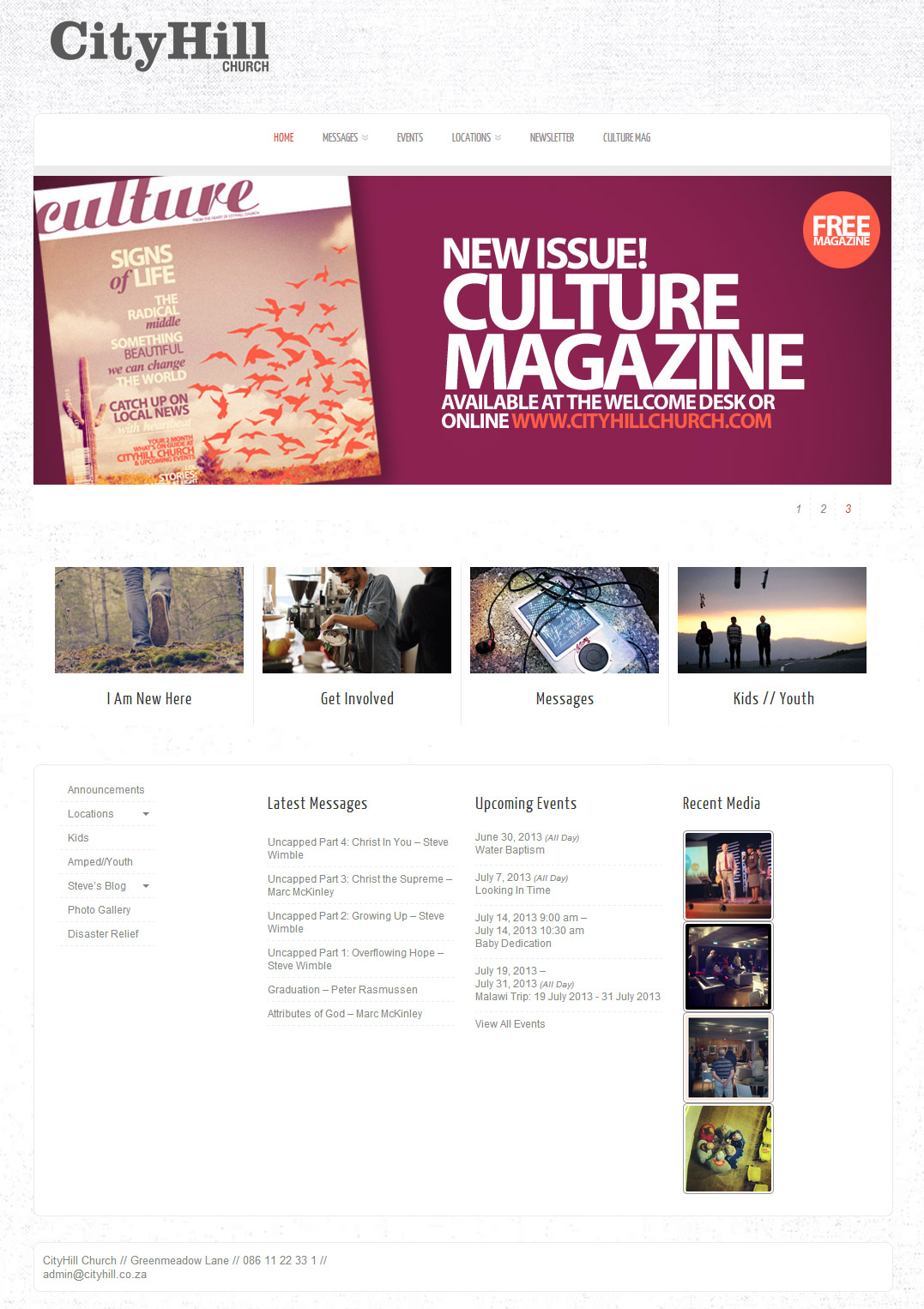
- cityhill.co.za/home
-
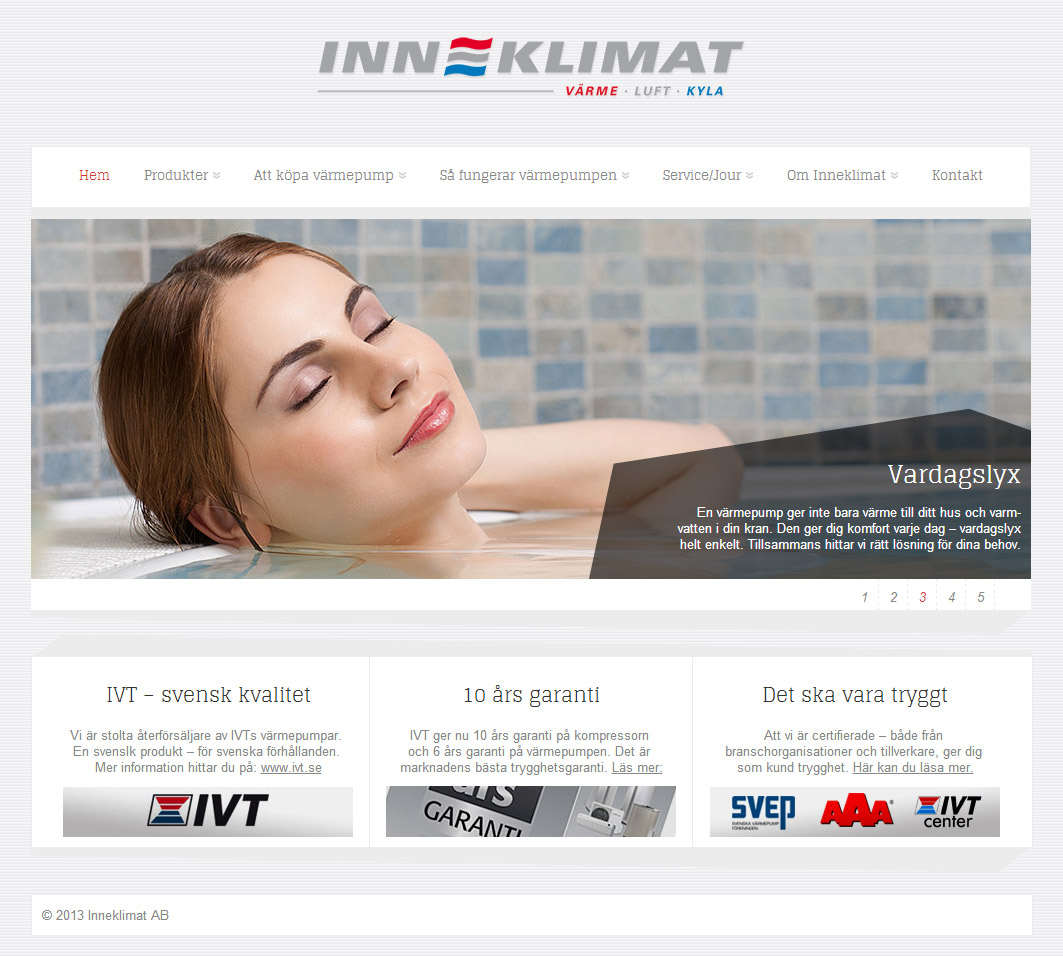
- inneklimat.se
-
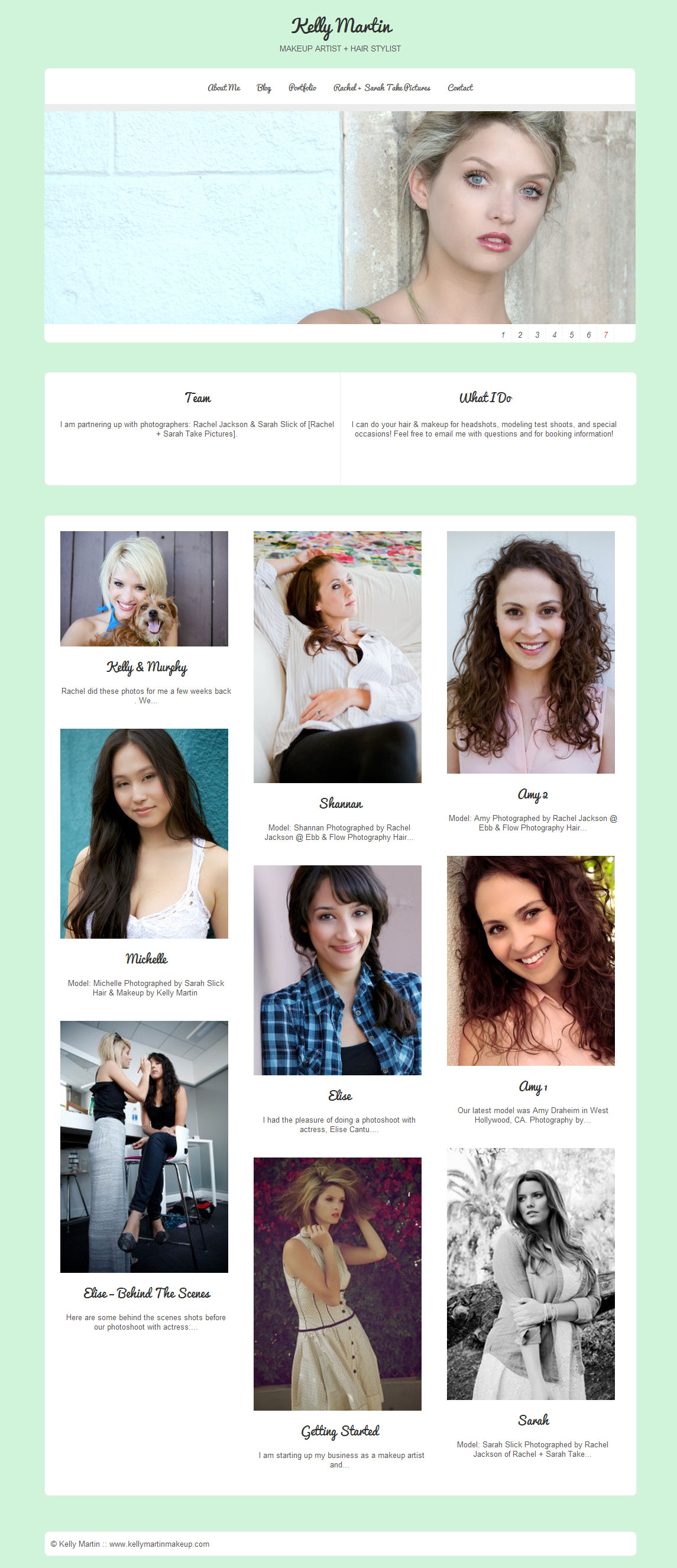
- kellymartinmakeup.com
-
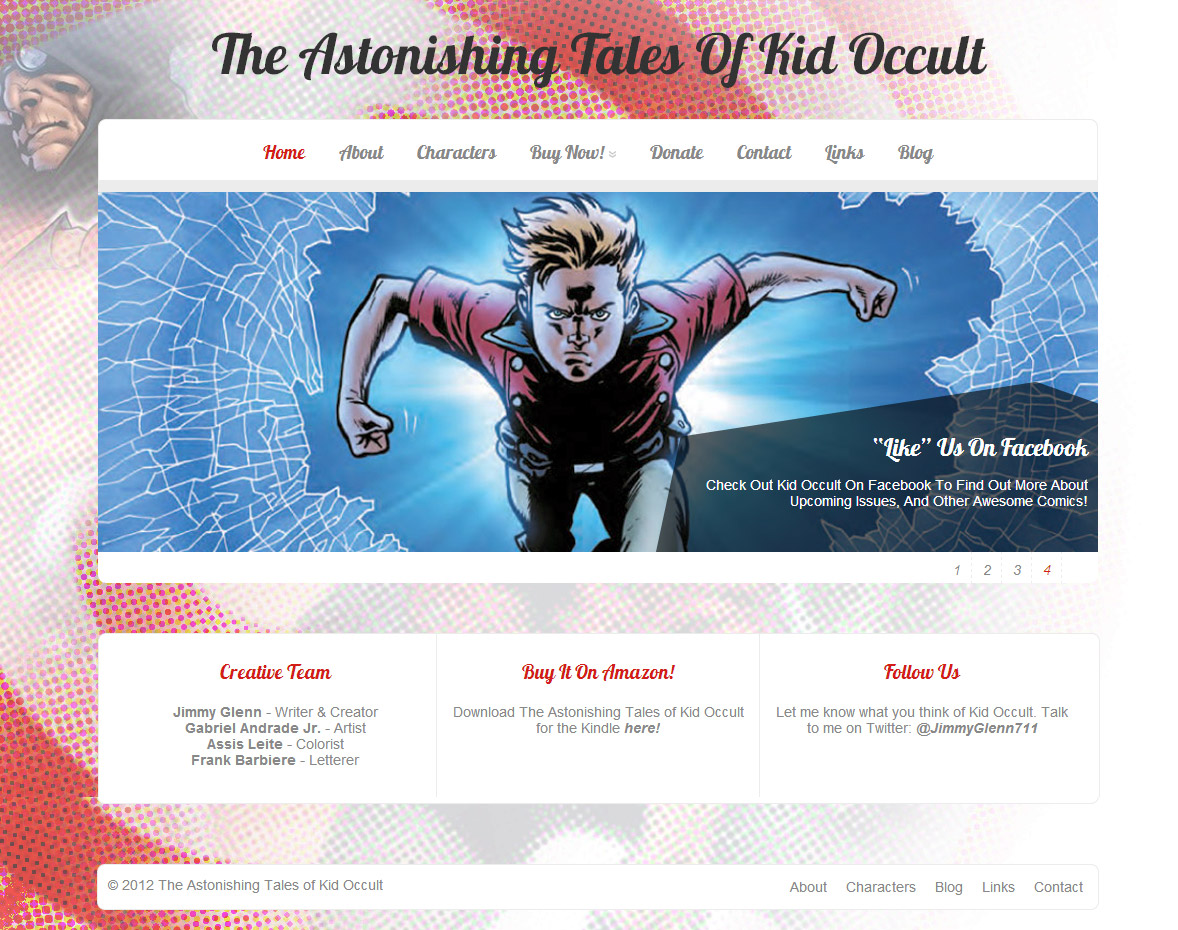
- kid-occult.com
-
- myfabulouslife.co.uk
-
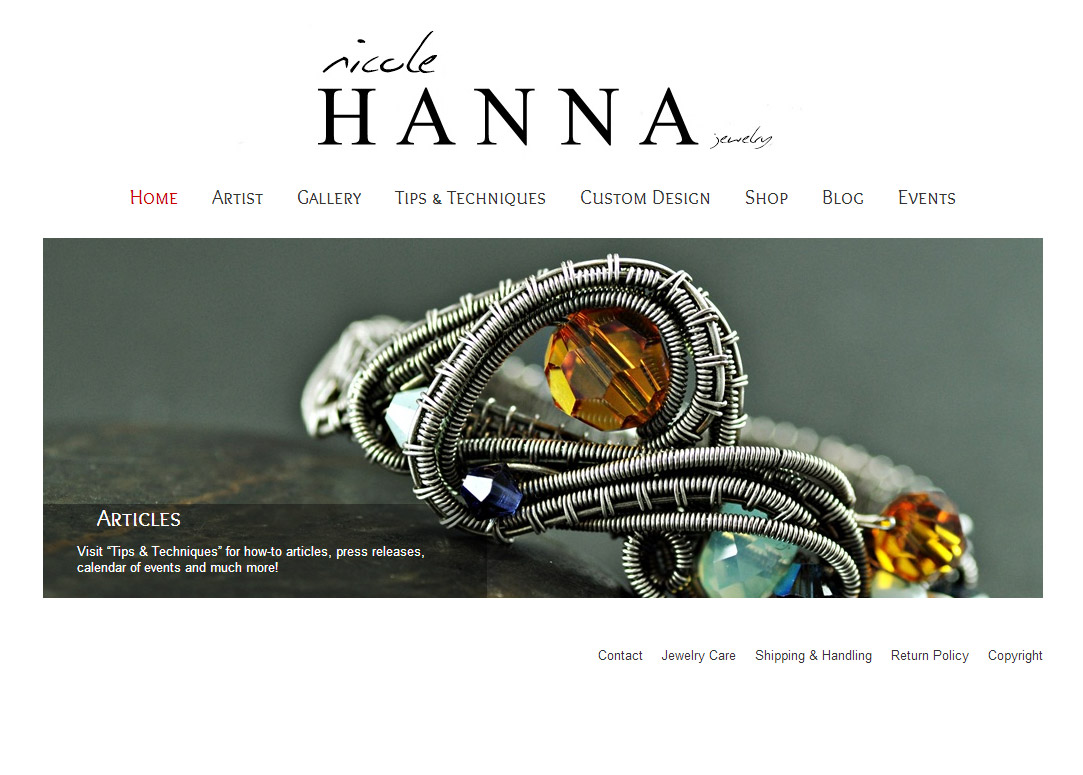
- nicolehannajewelry.com
-
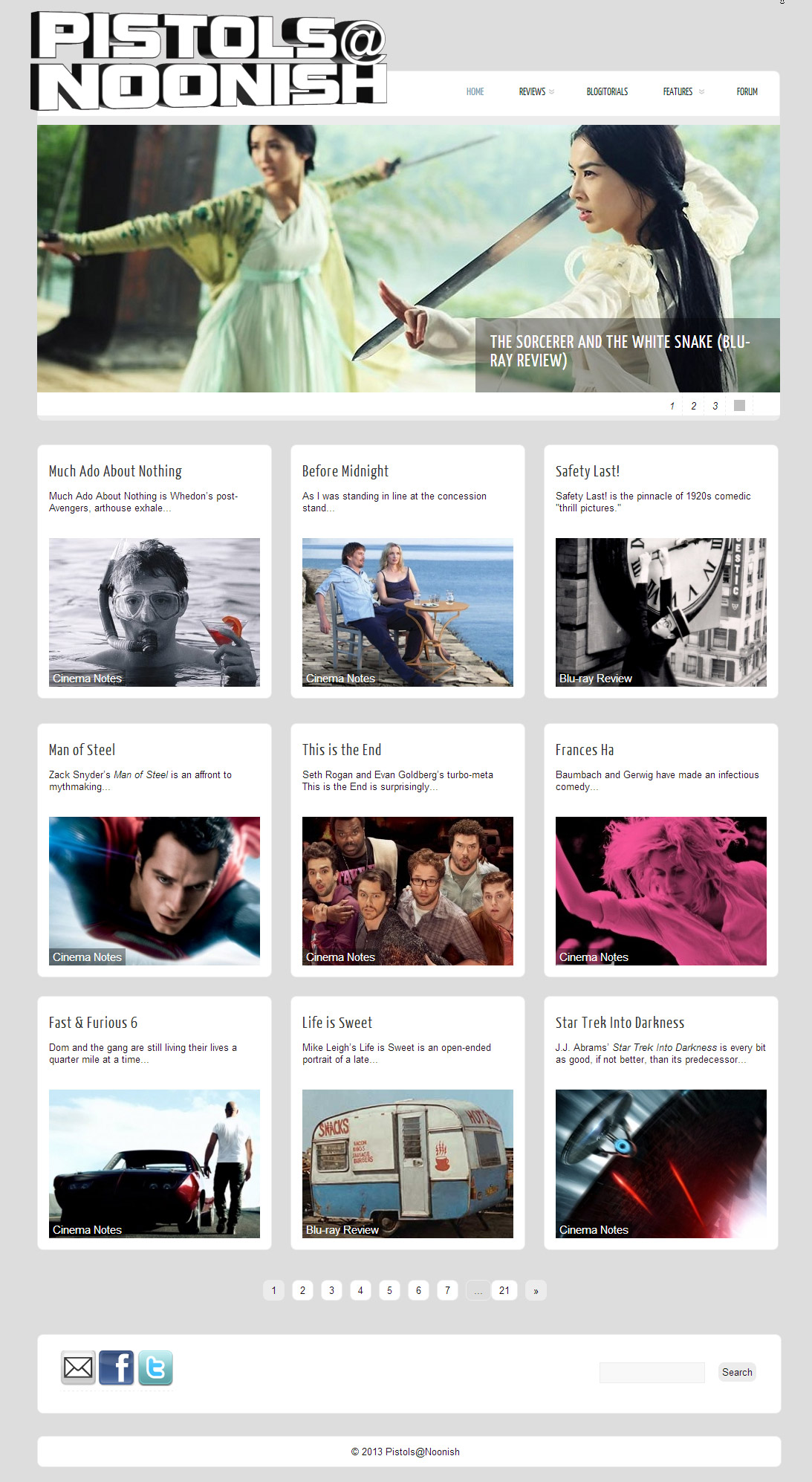
- pistolsatnoonish.com
-
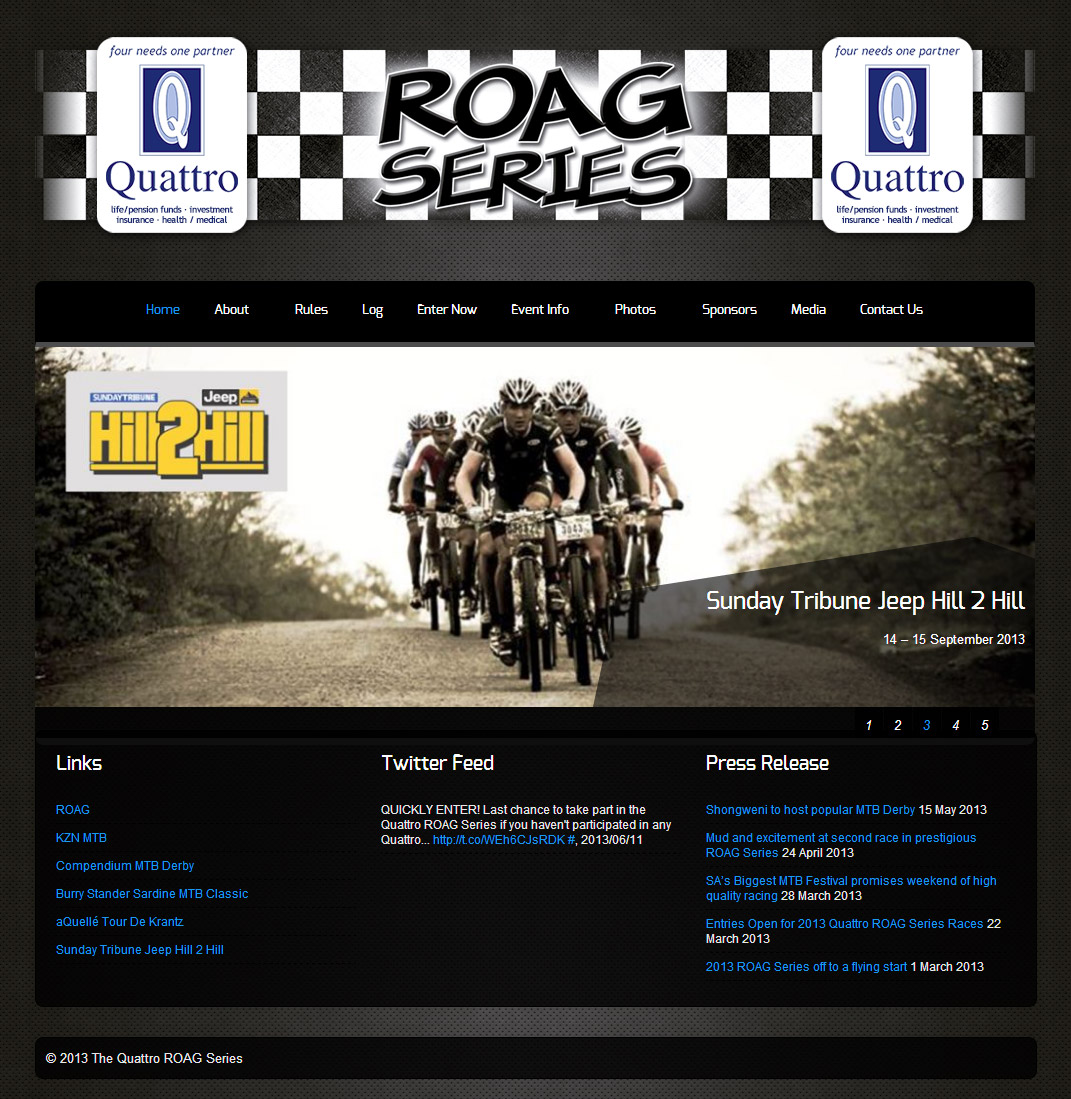
- roagseries.co.za
-
- roostrestaurant.com
-
- thunderscrawl.com
-
- verken.com.br/wp
-
- bexsonn.com/blog
The theme is released under GNU General Public License, version 2.
Well, boom beach hacks or boom beach cheats are the same.
apparently I need to update Zenon for my website from one.com, My site is bigfatstories.com. However in my wpadmin I can no longer see Zenon. What can I do?Carl@stoerrr.nl
Did you ever get an answer? I also been asked to update Zenon by my hosting company because it requires to be hosted in some way that is more expensive.
you are truly a just right webmaster The site loading speed is incredible It kind of feels that youre doing any distinctive trick In addition The contents are masterwork you have done a great activity in this matter