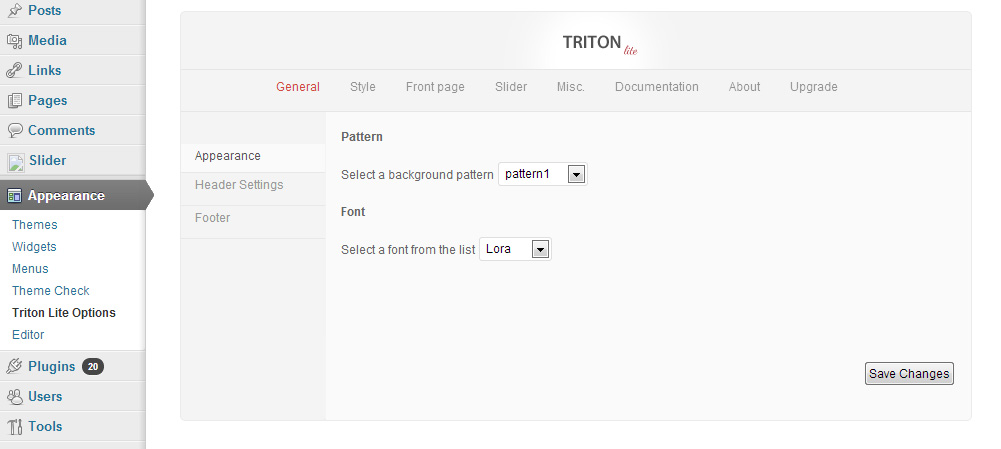
Triton LiteFree WordPress Theme
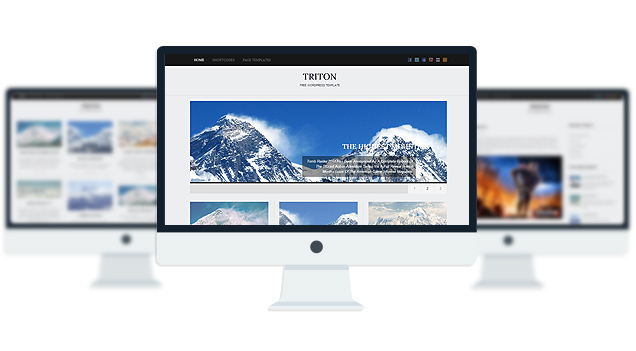
- 3 Fonts
- 1 slider
- 1 Layout
- 2 Patterns.
- 3 custom widgets.
- 5 easy to use shortcodes.(Hard-coded in Post Editor)
- 1 WordPress 3.0 Menu Position.
- Mult-Level Dropdown Menu.
- Social buttons to submit posts to Facebook, Twitter,
- Stumble upon, Digg, Google Buzz!
- 3 Awesome fonts.
- Easy to use theme options.
- Gravatar Support.
- 3 custom page templates
- Fancy lightbox
- IE6 Browser Upgrade Alert!
- Separation of Comments and Trackbacks
- Threaded comments support.
- Valid XHTML/CSS3.
- Well-written documentation
- One Click Install. No plugin required.
Compatibility:
- Internet Explorer 7+
- Firefox 3+
- Safari 5
- Opera 9+
- Netscape 6+
version 1.1
—————–
+ Initial Release
1. The slider is not showing up on my frontpage.
A: Go to Settings> Reading and select “your latest posts” as your homepage.
2. How can i change the image header for this theme?
A: The header image/logo upload option is only available in the PRO version.
3. The Picture quality on the frontpage posts are not good.
A: Open up functions.php and add this:
add_filter(‘jpeg_quality’, function($arg){return 100;});
Before this:
//Post Thumbnail
4. I added 3 -4 slides but my slider is showing 10+ blank slides.
A: The sharing feature of Jetpack plugin is causing this. to fix this, add this to your functions.php:
if ( function_exists( ‘sharing_display’ ) ) remove_filter( ‘the_excerpt’, ‘sharing_display’, 19 );
Before this:
//Post Thumbnail
5. Is it possible to disable the fade effect on the images at front page ?
A: Add this to your stylesheet:
.lay1 > div .imgwrap{opacity:1!important;}
6. How do I hide the post date and comment counter from the front page posts?
A: Add this to the very bottom of your stylesheet:
.block_comm, .date_meta{display:none;}
7. How does one disable the ‘Leave a reply’ from all posts?
A: Open up single.php and page.php and remove this line:
<div><?php comments_template(”,true); ?></div>
8. how can i remove the number below the slider?
A: Add this to the very bottom of your stylesheet:
ol#controls{display:none;}
9. Any way to increase the number of slides beyond 10?
A: open up easyslider.php and replace this line:
$option[‘trt_num_sld’]
with:
’15’
10. How can i make the slider become image clickable?
A: Open up easyslider.php and replace this line:
<?php the_post_thumbnail(); ?>
with:
<a href=”<?php echo $trtdata; ?>”><?php the_post_thumbnail(); ?></a>
11. Why is the slider texts “Uppercased”? How do I make them normal?
A: Add this line to the very bottom of your stylesheet:
body #slider .slider-content h2 a, body #slider .slider-content a, body .slider-content p{text-transform:none!important;}
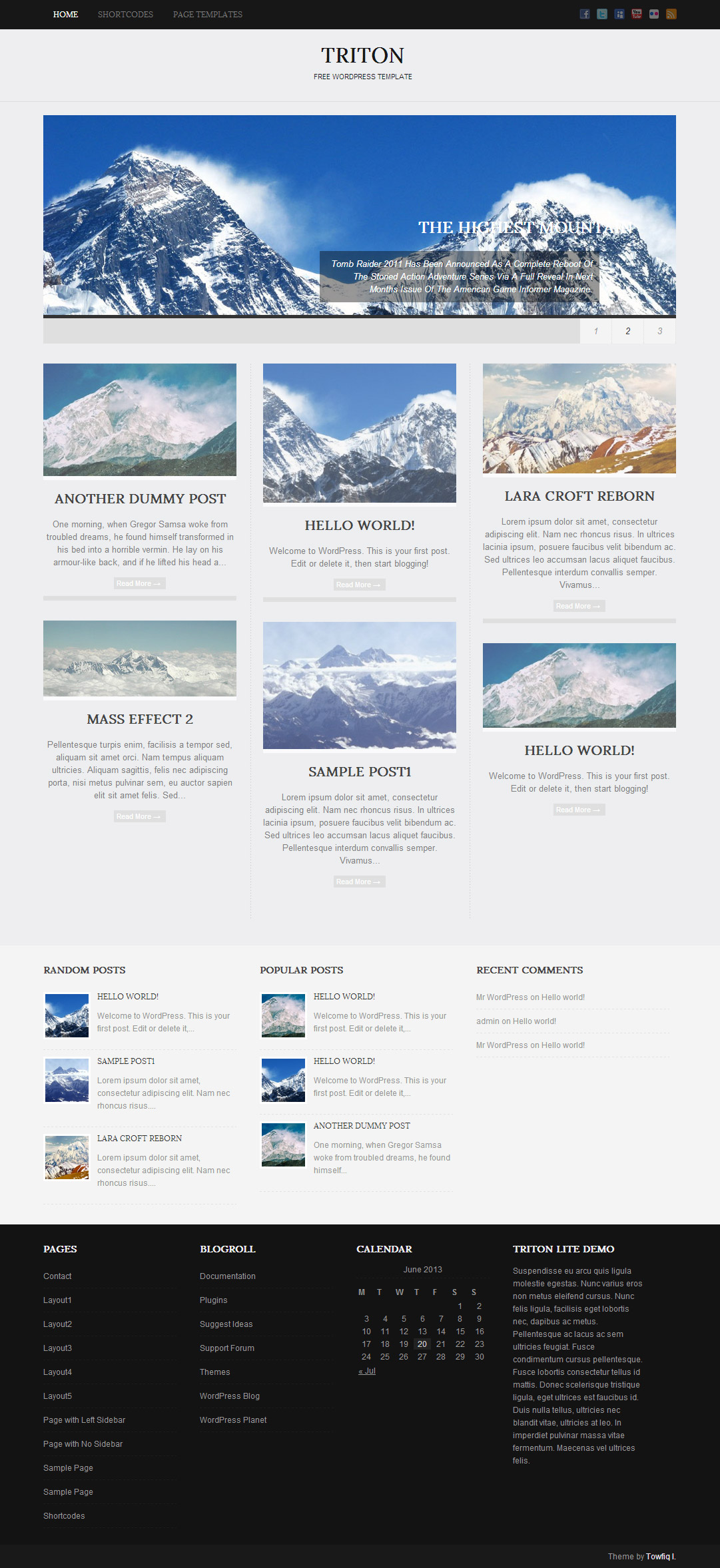
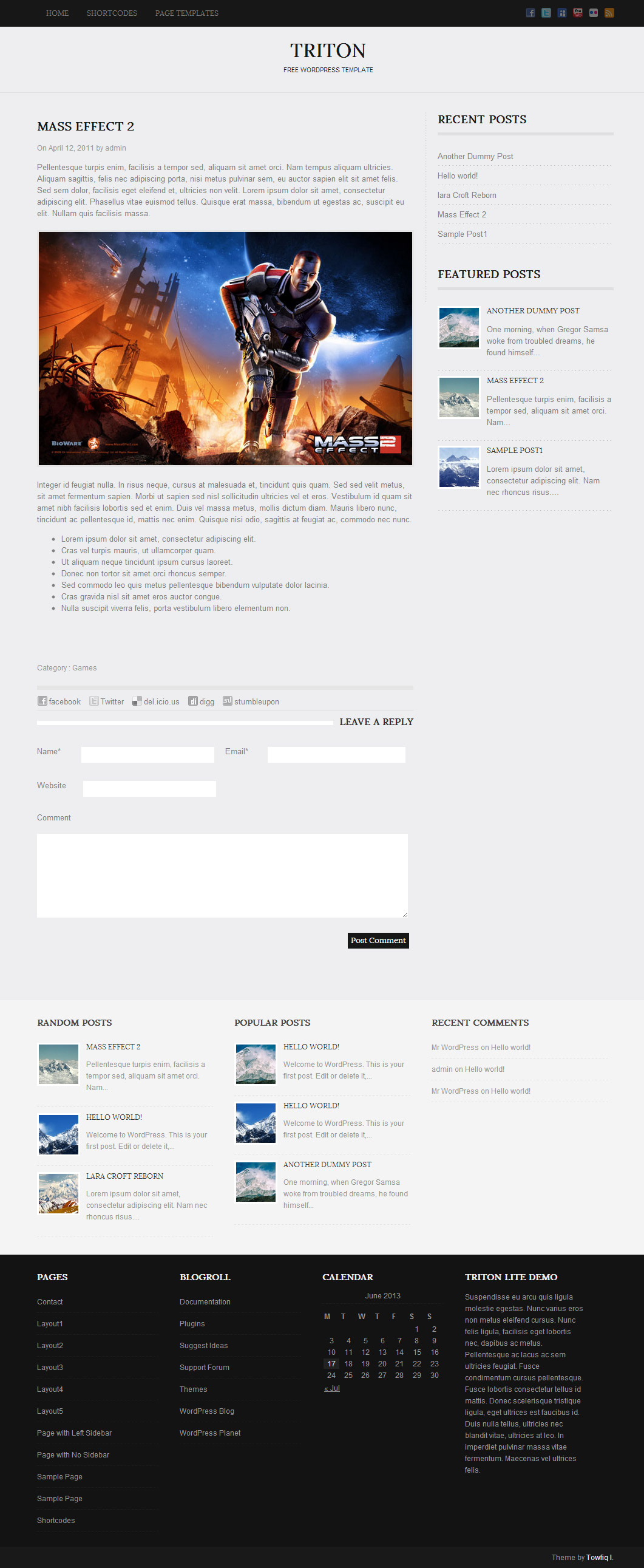
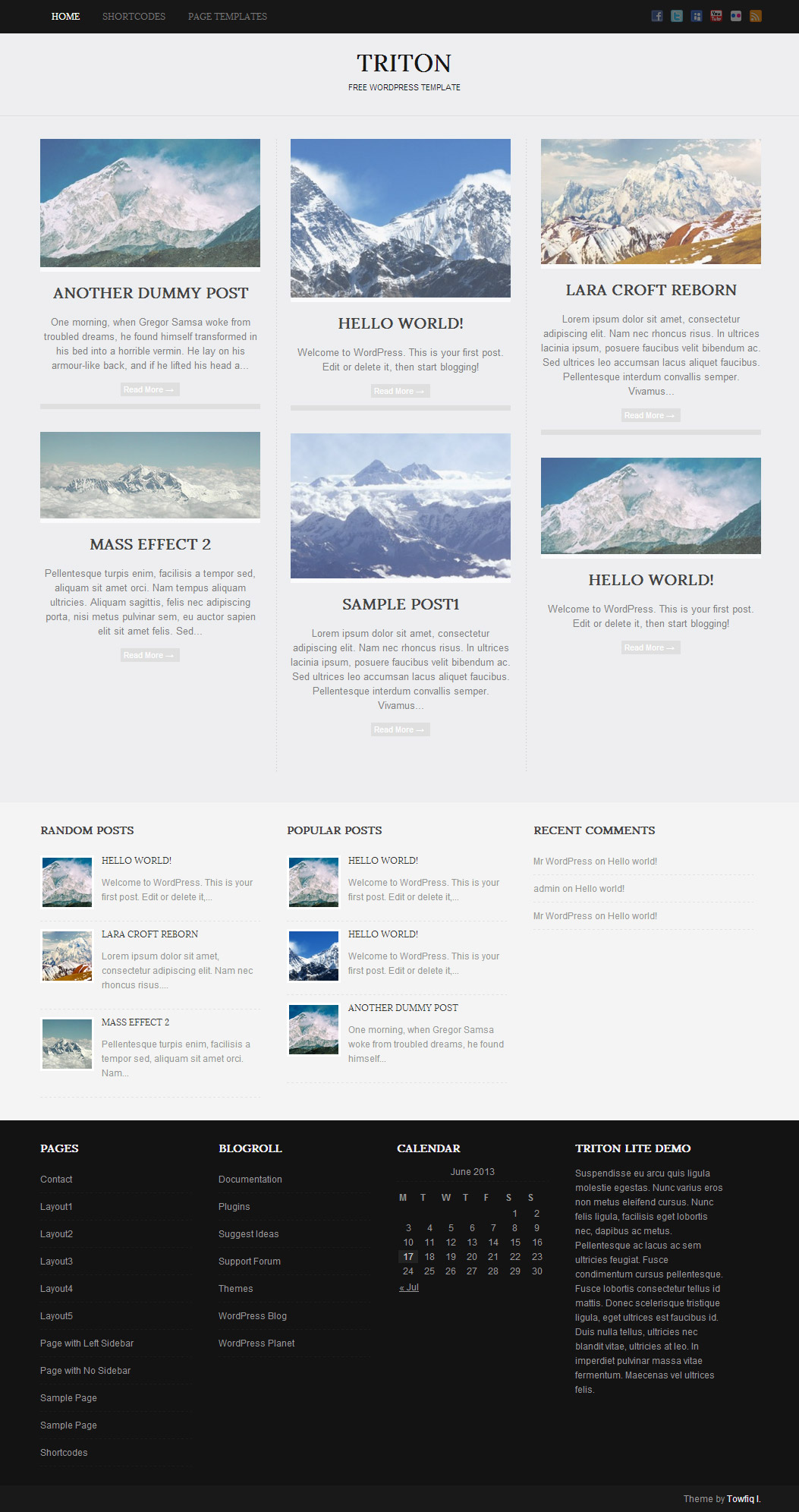
-

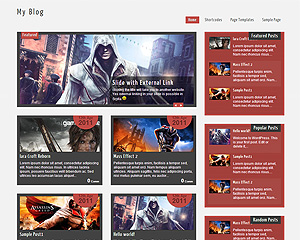
- jompitz-illustration.de

-
- kickasstrips.com

-
- whattocooktoday.com

-
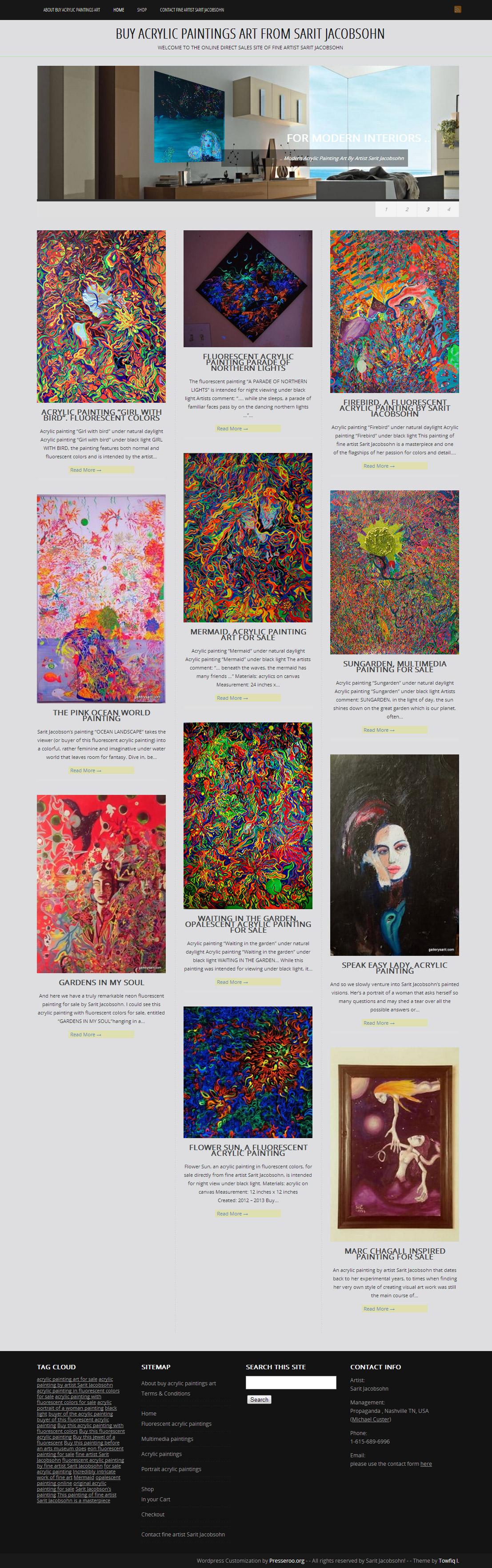
- buy-acrylic-paintings-art.com
The theme is released under GNU General Public License, version 2.
| Triton Lite | Triton PRO | |
| Free For Life |
$40 One time payment |
|
| Skins | 1 | Unlimited (Ability to change the color of almost all the elements) |
| Fonts | 3 | 12 |
| Layouts | 1 | 3 |
| Slider | 1 | 2 |
| Background Color/image |
No |
YES |
| Background patterns | 2 | 8 |
| Shortcodes | 5 | 20 |
| Widgets | 3 | 8 |
| Widget Areas | 3 | 3 |
| Menu | 2 Menu Positions/ 3 Level Drop-down Menu | 2 Menu Positions/ 3 Level Drop-down Menu |
| Page Templates | 3 | 3 |
| Upload LOGO |
NO |
YES |
| Social Share buttons/Numbered Page Navigation |
YES |
YES |
| Related Posts |
NO |
YES |
| Google Analytics Integration |
NO |
YES |
| Threaded comments/Separated Comments & Trackbacks |
YES |
YES |
| IE6/ IE7 Browser Upgrade Alert! |
NO |
YES |
| Fancy lightbox |
YES |
YES |
| Full Email support |
NO |
YES |
| Forum support |
NO |
YES |
Leave a Reply
-
- Topic
- Voices
- Freshness
-
-
Add Author Link to Posts
Started by:

- 2
- 6 years, 9 months ago
-
Triton Lite Upgraded – Plugins Link Missing from the Left Side Menu in WordPress
Started by:
- 1
-
8 years, 3 months ago
-
Change header logo linking
Started by:
- 2
- 8 years, 4 months ago
-
wp-includes/functions.php on line 3457
Started by:
- 1
-
8 years, 7 months ago
-
How to remove sidebar in posts
Started by:
- 1
-
8 years, 7 months ago
-
Read more
Started by:
- 1
-
8 years, 7 months ago
-
Changing the font-family of the menu
Started by:
- 1
-
8 years, 9 months ago
-
Problems with right sidebar when using plugin
Started by:
- 2
- 9 years ago
-
Social Buttons
Started by:
- 2
- 9 years, 2 months ago
-
Fixed Primary Nav Menu
Started by:
- 2
-
9 years, 5 months ago
-
Home page post links
Started by:
- 2
- 9 years, 6 months ago
-
Add Author Link to Posts


Hi,
Could you provide me free theme for website hosting?
I did not get any reply yet. I would like to buy web hosting theme. please reply me.
A brief summaryThe most effective translation systems driven by artificial intelligence are meant to cut down on the amount of time required to read and interpret lengthy papers or articles. The text is analysed by these tools, which make use of sophisticated Natural Language Processing (NLP) techniques, in order to extract the most important information and then deliver a brief summary that summarises the most important elements of the text. The best AI summarize tool is summarizing tool.
I was able to find good advice from your articles.
online ohio sports betting
We understand busy schedules! Our Visalia office offers flexible appointment times for your convenience.