Hello! I am Towfiqul Islam, a freelancer web designer/developer from Bangladesh, working for 3 years now. Designing is my passion. Most of my design skills are self taught.
Other than web, print design, I design websites from scratch with XHTML, CSS, jQuery. I find website designing very challenging and interesting. I also build wordpress, Joomla and other popular CMS Templates.
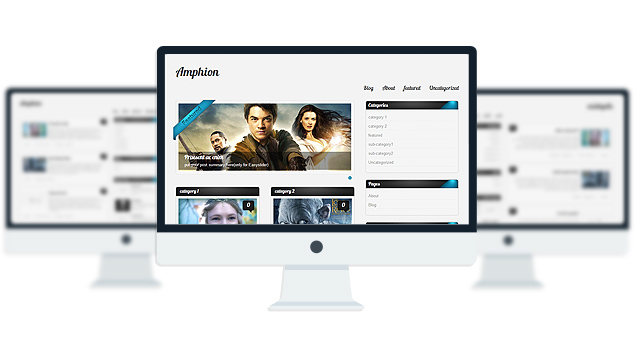
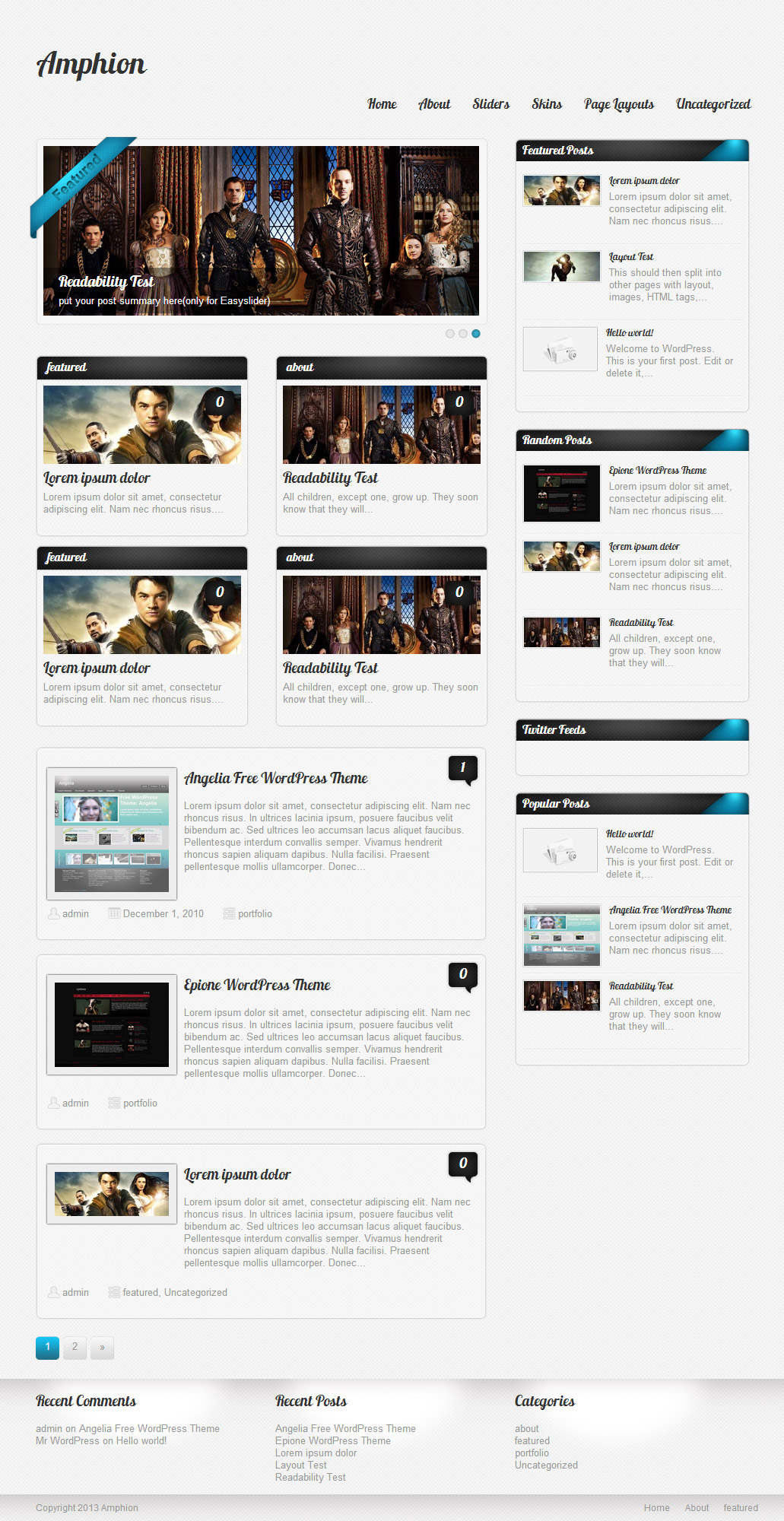
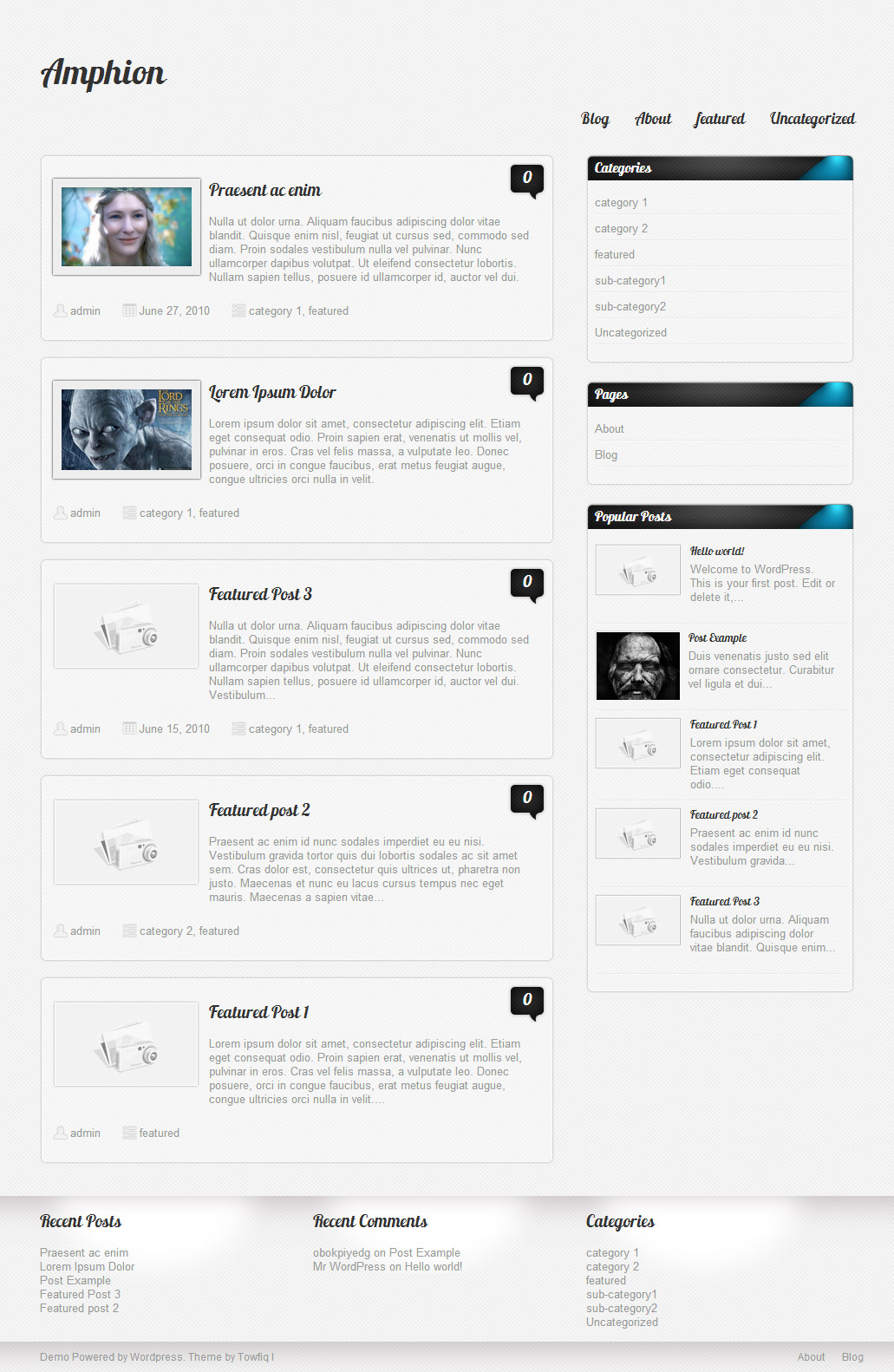
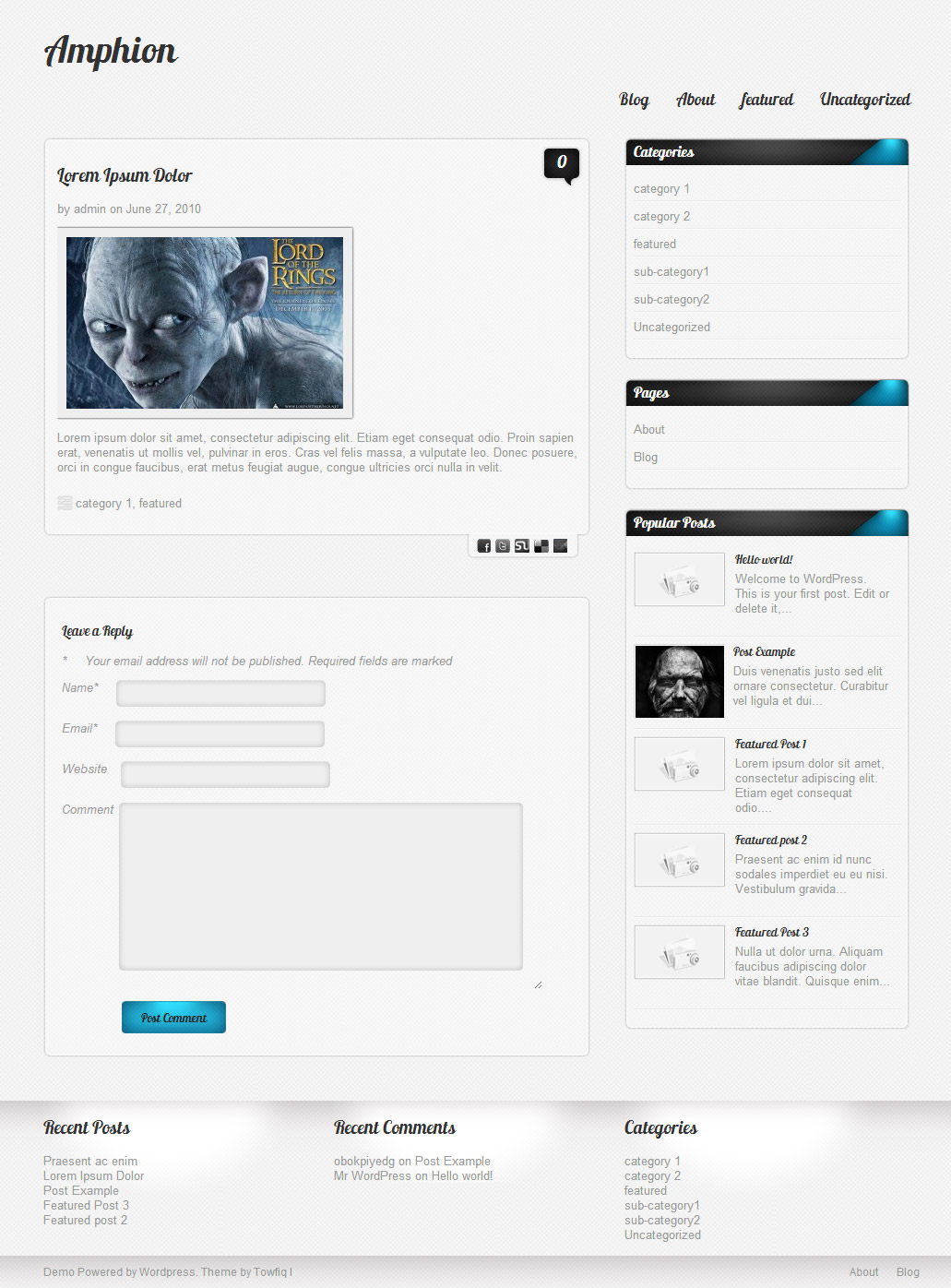
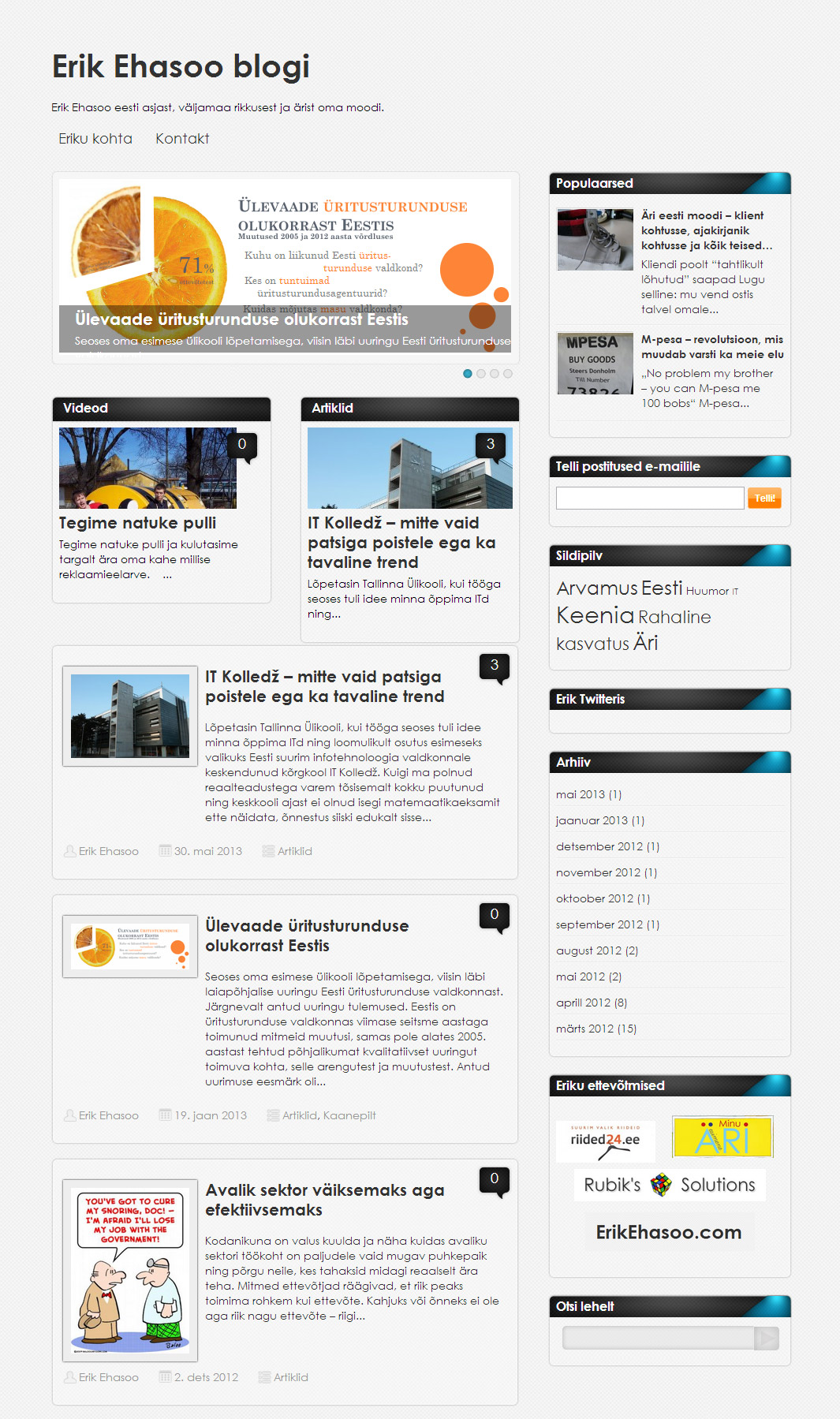
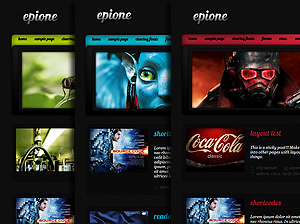
Amphion Lite is a wordpress theme with 2 gorgeous skins 2 fonts and various other features.
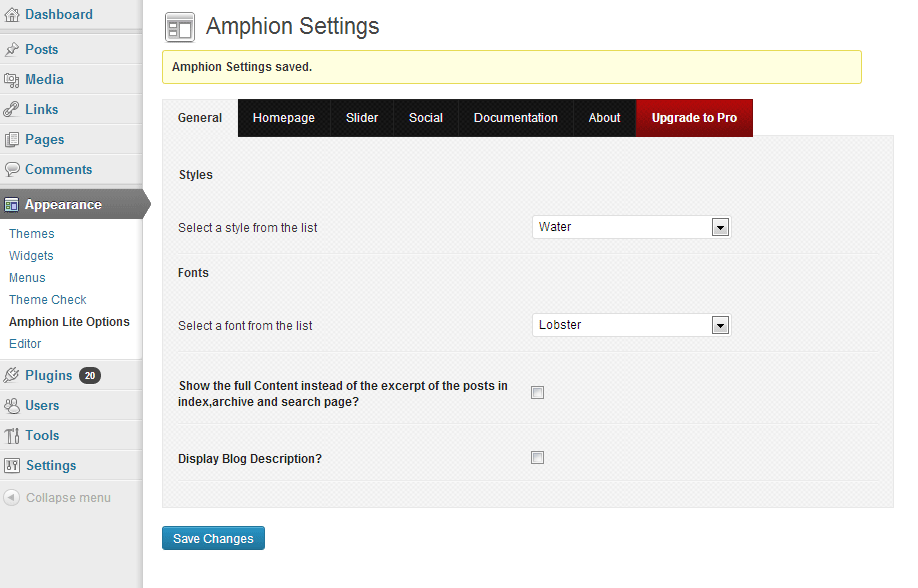
For Documentation, After installing the theme go to Appearance> Amphionlite Options> Documentation
In wordpress 3.1 the custom field option is disabled on default. To enable the custom field feature go to Posts > Add New . In the post editor page at the very top click on the “Screen Options” button. Now make sure “Custom Field” option is checked.
Check this screenshot:
http://www.freeimagehosting.net/uploads/56c4da97be.png
[...] Información | Descargar | Demostración [...]
[...] Información | Descargar | Demostración [...]
[...] Amphion Lite [...]
[...] Live Demo [...]
[...] Demo Descargar [...]
[...] troviamo davanti a temi come Amphion Lite, che hanno in Bacheca / Aspetto / Opzioni un piccolo menu che permette di scegliere tra 2 o più [...]
Sorry to bother you again; is it possible to change:
1- Post text color
2- Post tag color
Thanx for your patience!
add this to your stylesheet:
.single_posts{color:#333;}
.tag_meta a{color:#333;}
I have installed your theme (1.8 version) and I could not see the sidebar correctly (no widget backgrounds) and my menu is not floating on the right side. What could happen? The blog url is: http://granchollo.com/viajesbaratos/ so you can see the problem. Thank You.
I get the same error with 1.7 version. I have WordPress 3.4.1, but with a earlier version it does not work too. I don’t know what could happen.
Thank you for your patience
the “Search” widget is buggy. move it below the other widgets.
Thank you for the theme. Very nice and neat.
Interesting theme, Im starting to test it on my blog. Thanks !
Another awesome theme. It is giving a professional look to my website. Thank you.
Hi
I have a little problem.
When i go to my page, the first time, its so slow to load de web. The second time, go fast.
I proved in several browsers (Explorer, Mozilla, Chrome) and its always happen. Include i proved in several computers…
What is the problem?
What can i do?
Thanks!
I just checked your site. its not that slow. and the reason for it being faster the 2nd time because the browser save cookies of the site from fast time so that the next times it doesnt have to load a lot of files.
Hi
I have a problem when i create a image link in a page.
If ai put link with text works perfectly, but with the image it´sn work.
Can you help me?
This is the page
http://www.carmenmariysuacordeon.es/?page_id=576
you will have to open up amphion.js file from the “js” folder and replace these lines:
jQuery(“a.hasimg”).fancybox({
with this:
jQuery(“.hasimg[href$='.jpg'], .hasimg[href$='.png'], .hasimg[href$='.gif'], a.grouped_elements”).fancybox({
Hi I installed your amphion lite 1.7 and all images were fine but today all I see are the featured images and the rest are the camer preview icon?
I would appreciate any help, and thanks for the great template
did it happen after installing a plugin? upgrading theme? upgrading wordpress?
no backgrounds on sidebar???? how i fix this
put your search widget to the very bottom, below other widgets.
thank you man !
How do I change the color of the tagline without changing the color of the text box?
add this to your stylesheet:
.desc{color:#fff;}
Thanks for your previous prompt reply.
Wondering if you can tell me how I can change Slider text so it isn’t capitalised?
Add this to your styelsheet:
#slider .slider-content h2 a, #slider .slider-content a, .slider-content p{text-transform:none!important;}
Good post
Hi, just wondering if there’s a secret to adding vimeo embed code into a post? keeps saying video doesn’t exist and wondering if i’ve missed something.
just paste the link and it will be automatically shown in a video player.
Hey,
Thanks for a great theme. Woudl it be possible to download the original images (in PSD format for example) ? So that we can edit the “feature” ruban and write our own text , or change colors for example ?
Cheers
Just sent you the PSD ribbon. check your email.
I need to translate the theme. How can I do that?
Install the “qtranslate” plugin.
Hi, TY for the great theme! Question: How can I add an image to the header where it now just displays text? Also, is there a way to have the social buttons open to a new window?
1. you can only add image logo in the PRO version.
2. open up header.php and replace these lines:
<ul> <?php if($option["amp_hide_tw"] == "1"){ ?> <?php } else { ?> <li class="tw"><a title="Twitter" class="ang_tw" href="<?php echo $option['amp_tw_url'] ? rel="nofollow">">Twitter</a></li> <?php } ?> <?php if($option["amp_hide_fb"] == "1"){ ?> <?php } else { ?> <li class="fb_fix"><a title="Facebook" class="ang_fb" href="<?php echo $option['amp_fb_url'] ? rel="nofollow">">Facebook</a></li> <?php } ?> <?php if($option["amp_hide_ms"] == "1"){ ?> <?php } else { ?> <li class="ms"><a title="Myspace" class="ang_ms" href="<?php echo $option['amp_ms_url'] ? rel="nofollow">">Myspace</a></li> <?php } ?> <?php if($option["amp_hide_rss"] == "1"){ ?> <?php } else { ?> <li class="rss"><a title="Rss Feed" class="ang_rss" href="<?php echo $option['amp_rss_url'] ? rel="nofollow">">RSS</a></li> <?php } ?> </ul>with:
<ul> <?php if($option["amp_hide_tw"] == "1"){ ?> <?php } else { ?> <li class="tw"><a target="_blank" title="Twitter" class="ang_tw" href="<?php echo $option['amp_tw_url'] ? rel="nofollow">">Twitter</a></li> <?php } ?> <?php if($option["amp_hide_fb"] == "1"){ ?> <?php } else { ?> <li class="fb_fix"><a target="_blank" title="Facebook" class="ang_fb" href="<?php echo $option['amp_fb_url'] ? rel="nofollow">">Facebook</a></li> <?php } ?> <?php if($option["amp_hide_ms"] == "1"){ ?> <?php } else { ?> <li class="ms"><a target="_blank" title="Myspace" class="ang_ms" href="<?php echo $option['amp_ms_url'] ? rel="nofollow">">Myspace</a></li> <?php } ?> <?php if($option["amp_hide_rss"] == "1"){ ?> <?php } else { ?> <li class="rss"><a target="_blank" title="Rss Feed" class="ang_rss" href="<?php echo $option['amp_rss_url'] ? rel="nofollow">" target="_blank">RSS</a></li> <?php } ?> </ul>Hello sir i have applied this theme to my site but feature images are not showing on category block. please tell me how to fix it..? check my site error here..
http://www.hdwallcloud.com/
Are you sure you adding the “featured image” correctly. looks like you did not add he featured image to any of the posts.
https://www.youtube.com/watch?v=7KEsCtRb-S8
ANY advice or tips-direction on how to go about making a store page with this theme? I love your work-just started my business and using your theme for my site (the lite version for now) I would like to release my fitness book on a store page & before I spend the next 24 hours trying to figure it out I thought I could pitch it out to you and see if you had any tips..I have not been successful with plugins and maybe I’m missing a step-any help would be much appreciated. Thanks again for the theme-it’s clean & beautiful-just what I was searching for.
-Raya
you are actually using the Zenon Lite theme. Try this plugin:
http://wordpress.org/extend/plugins/wp-online-store/
hello and thanks for amphion Lite theme, really great. Since update to wordpress 3.5 i have some problems in the dashboard when i’m trying to add a media into a post: nothing happenend. I have made this operation on others sites with wordpress and all works fine. Some users have the same problem and it is due to the theme. Have you got the same problem since upgdate 3.5 ?
thanks.
I just checked the theme with wordpress version 3.5 and I am not getting the issue.
Hi I have with flash banner I want any size Image I want to be fixed some pictures small some big
I have no idea what you are saying…
Hi there, Great theme! Really love it! I’ve been using it for a while now with no problems, but I’ve just noticed that the Latest Posts under the home page blocks are in the wrong order (the oldest posts are displaying first). Any ideas? Thanks again!
thats pretty odd! are you using any plugin of any kind that may alter the default settings of front page posts?
Hello 2 questions.
1.- there is a way to show in the homepage only the four blocks with no “latest post” under the blocks?
2.- which is the best size to fit the block image?
1. theres an option for that in the theme option..
2. width:260px
height: 105px
Hello, very nice theme, kept this one after trying many other ones.
I can only see an option to remove the four blocks. Where can I find the option to keep the blocks and remove the latest posts from the home page.
Hello brother i need some help ??
How can I change the font style on this theme I would change the font with this one http://www.dafont.com/techno-hideo.font PLease Help
Sory for my bad english
Sorry. Thats not possible.
What a great theme for my movie blog.Thank you for this.
hello! My mediaclass have this theme, and we love it! I have the responsibility for the editing and fix this site. But I just discovered that´s something wrong with the slider, it´s just a photo there now, its not “sliding”. I tried to delete the pictures, and restore defaults. But it didn´t work. Do you know whats wrong??
Hope I get a answer a soon as possible.
- regards from norway.
sounds like a plugin conflict. please disable all the plugins one by one and find out which one is causing this.
Very beautiful theme indeed!
Is there any way I can change the background to an image? If not in the free version then in the pro?
add this to your functions.php:
add_theme_support(‘custom-background’);
after this:
$content_width = 560;
and then Go to Appearance> Backgrounds to change the background image.
Thanks alot for the quick reply! I have another request though, and I hope you have the time =)
I would like to ditch the comment-counter bubles on the frontpage, because the site Im working on isn¨t a blog in any way.. Is there a quick fix?
The site is: http://www.denlillevilde.dk
Best regards, Soren from Denmark
add this to your stylesheet:
.block_comm, #latest_posts .comments{display:none;}
Hello, very nice theme, kept this one after trying many other ones.
I can only see an option to remove the four blocks. Where can I find the option to keep the blocks and remove the latest posts from the home page.
there’s no option for that, open up index.php and remove everything from
to
Is there a way to disable people from posting on home page? But still have the blocks? I want the home page to be static. Thank you! Lovely Theme!
Ok, well I found the post you made, that says;
“there’s no option for that, open up index.php and remove everything from”
I did as followed, and it did work, however, it puts the sidebars at the foot of the page. How do I put the sidebars back in the right place?
Another question, how do I get the boxes to point to a page, instead of a post?
sorry. thats not possible.
It’s to bad, you had a great theme idea, but missed a lot of standard options which makes it less then good. Next time put a little more thought into, yes?
I wish you luck.
you can display pages inside those box instead of posts by editing the theme file.
Saw it, installed it, used it, kept it. I must say that this free theme is awesome!
Hi,
Very nice job for all themes !
I’m trying Amphionlite theme.
1. When i clic on pagination, the sidebar disappeared.
2. How can i change the respond block for comments ? The visual is not good.
3. I’ve got a problem with 2 menus in sidebar. For “catégories”, i use collapsing categories but it don’t work with the theme. For the other, i use a personal menu and it don’t work too.
I resolved n°3 !!
why when we do not put a title to a text widget, there is a display bug?
It’s a shame, because I use widgets text to the pub and it would be more beautiful in the title!
yes. but you can hide the title of the widget via css. let me know the name of the widgets that you dont to have title.
I would not have the title of widgets “Announcement”. Widgets used to display advertising. it’s text widgets!
Add this to your stylesheet:
#text-3 .widgettitle{display:none;}
thank you, it works well. I’ll have to think about it
Is there a way to display widget_top_2 for the top of the widget?
try this:
#text-3 .widgettitle{text-indent:-9999999px;}
thank you
This code allows for the picture widget_top black without displaying the title inside, it’s an idea.
I thought to do is use the widget_top_2 file that is in the image folder widget for a square with rounded corners pubs where I put it.
try this:
#text-3 .widgettitle{text-indent:-9999999px;background: url(../images/widget_top_2.png) no-repeat!important;}
#text-3 .widget_wrap{margin-top: -22px;padding-top: 0;}
Thank you very very much !
That’s works very well !!
Hi,
I’m going to bother you with my stories
If you looked a little blog, I changed a little the comment form by putting the code at the end of the “comments.php” file :
‘Envoyer’,
‘fields’ => apply_filters( ‘comment_form_default_fields’, array(
‘author’=>” . ” . __( ‘Nom / Peudo (obligatoire)’ ) . ( $req ? ‘ ‘ : ” ) . ‘ ‘ .
”,
‘email’=>” . __( ‘E-mail (obligatoire, mais ne sera pas publié)’ ) . ( $req ? ‘ ‘ : ” ) . ‘ ‘ .
”,
‘url’=>” . __( ‘Adresse de votre site / blog’ ) . ” .
”,
)));
comment_form($comments_args);
?>
But what I would like is to have the same comments form of you.
I know a little CSS, but I do not know how to finish!
can you please disable the plugin that you installed to prevent right click? i cannot look at the code of your site.
It’s ok !!
I replied to your email check your email.