About

Hello! I am Towfiqul Islam, a freelancer web designer/developer from Bangladesh, working for 3 years now. Designing is my passion. Most of my design skills are self taught.

Other than web, print design, I design websites from scratch with XHTML, CSS, jQuery. I find website designing very challenging and interesting. I also build wordpress, Joomla and other popular CMS Templates.

Stheno: Free Joomla Template

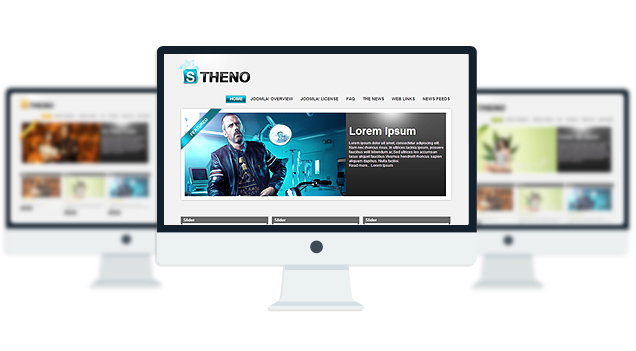
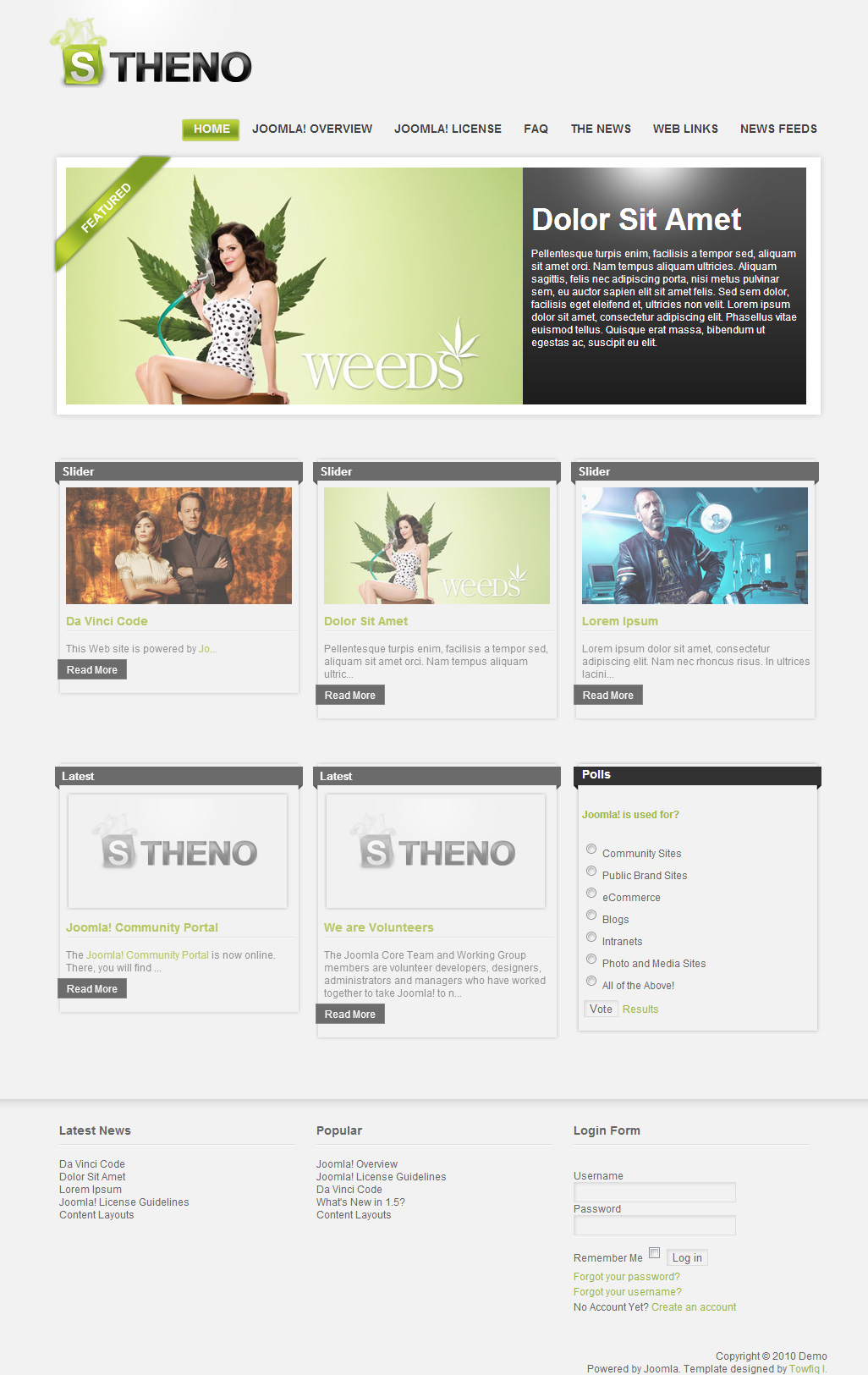
Stheno is a Free Joomla 1.5 Template with automatic Slideshow, 5 module position with 3 color skins.

Features

  • Completely Free Joomla Template with GNU GPL v2.0 License.
  • Comes with auto slider on frontpage(No plugin/module/Component Needed.)
  • Multi level Dropdown Menu.
  • 8 Module Position.
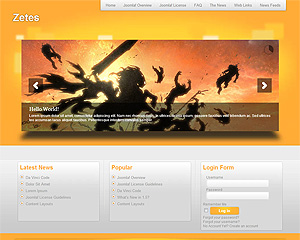
  • 3 marvelous Skins to choose.
  • Font Resizer to enhance reading experience.

Compatibility:

  • Internet Explorer 7+
  • Firefox 3+
  • Safari 5
  • Opera 9+
  • Netscape 6+

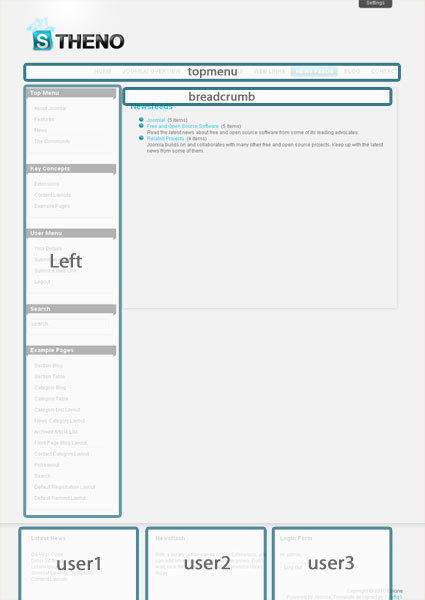
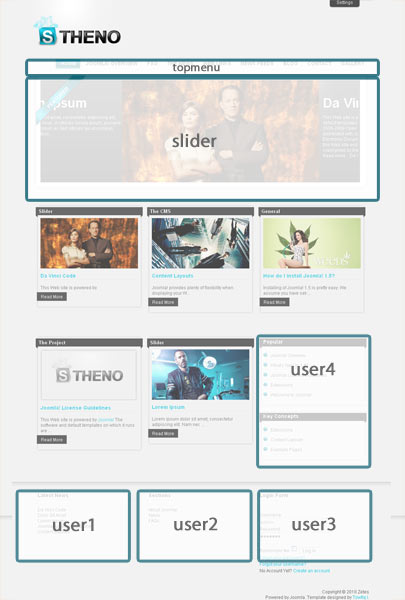
Module Positions:

  • topmenu
  • slider(only for Frontpage)
  • left(not displayed on Frontpage)
  • breadcrumb(not displayed on Frontpage)
  • user1
  • user2
  • user3
  • user4(only for Frontpage)

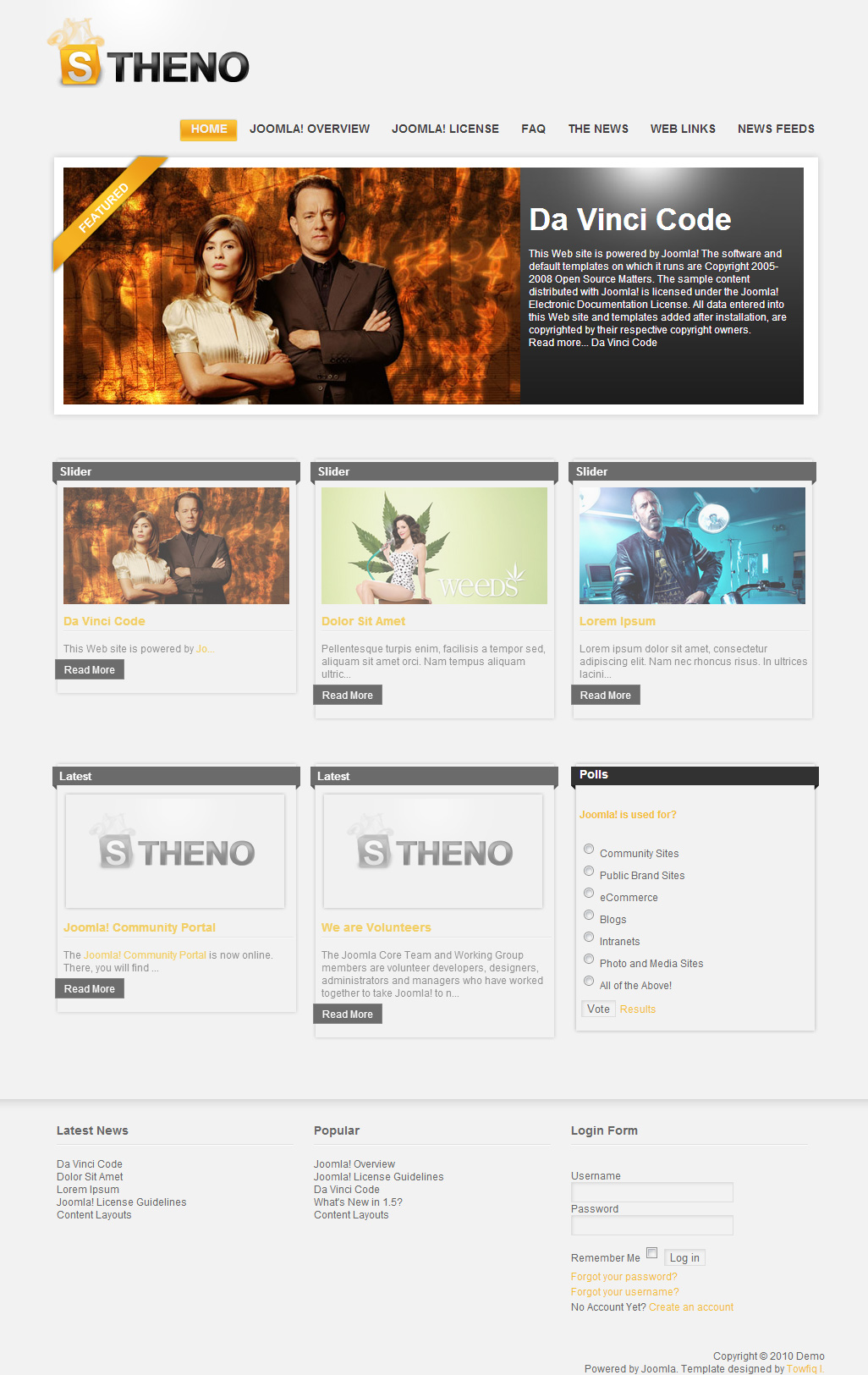
Module Position (Front Page)
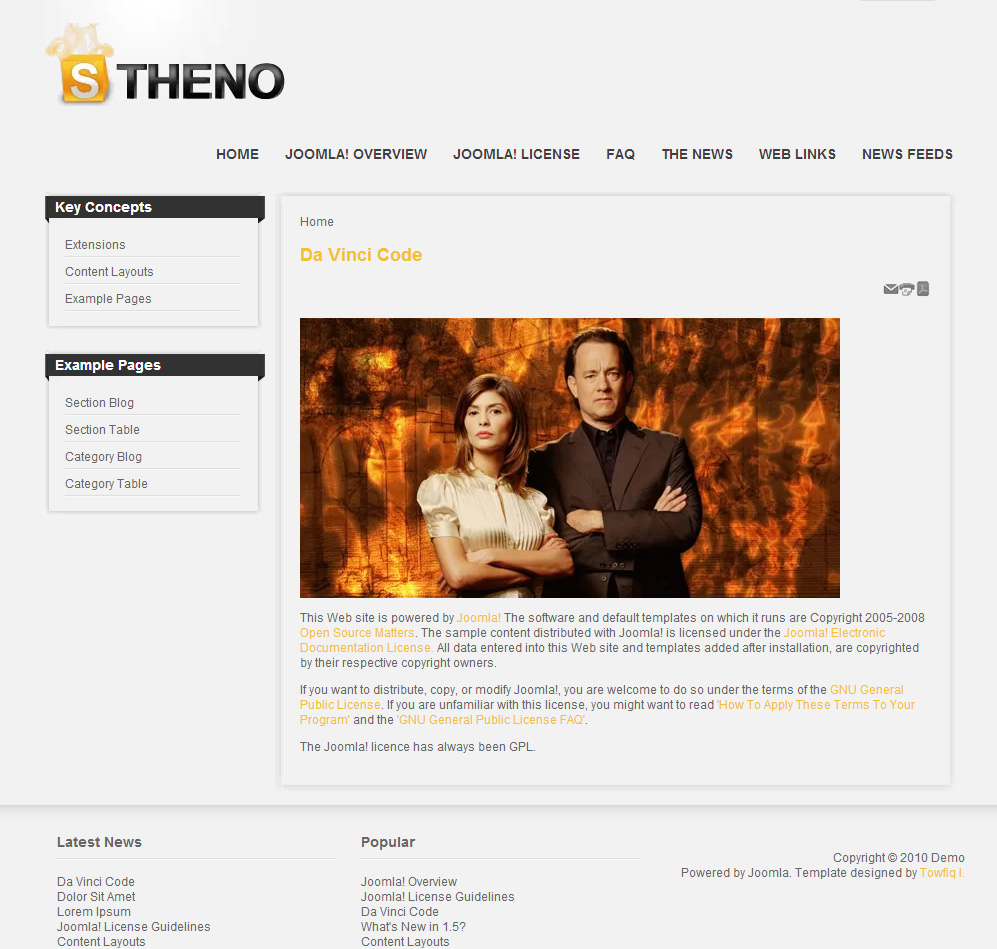
Module Positon (Other Pages)

Logo PSDs:

Download Logo PSDs

467 Responses to “Stheno: Free Joomla Template”

  • Rob
    on July 3, 2011 at 12:40 am

    What is the proper way to add additional pages?

  • Lynnelle
    on July 4, 2011 at 2:00 am

    How do I select which skin I want – have downloaded and installed by there are no options coming up when I go into the template.

  • on July 9, 2011 at 8:05 am

    I love Joomla – and I love Stheno – - thanks so much!!!
    I had several problems on the way to getting my site up (I am still finishing it now… some things still to go).
    Stheno was so easy to get to know. And thanks to these comments a lot of help was available. I did copy all these comments and put them in an excel document so I could group them by topic and username etc so it was easier to read through… I can send you that file if you like – - I think other users might find it helpful.

    In the end my main problems were about module positions… but then I just started with Joomla a week ago – so I don’t expect too much … I had an ongoing problem with mod random image (which I used because I had no need for the left position – but liked the layout to remain with the articles to the right) – I loaded random image PLUS – and this helped instantly.

    I still have trouble with where the login form sits… but I am working on that now… I can’t get a grip on your instructions for 1:3:5:3 etc in the menu – - I have read about these positions but really it is nonsense to me… so I will just struggle through.

    Thanks again – - its a brilliant layout. A great template – and for me – who has NO experience with web design previously I am thrilled to have a website up in a little over a week (and 465 cups of coffee.)

  • on July 9, 2011 at 11:52 am

    Great Template i love it, but is there a way to make the article sit directly under the menu, i,e if i have now left modules published it would be centered with the top menu

    thanks

Trackbacks & Pings